AI
Data Analyzer Template App
Use AI to analyze Quickbase tables and deliver actionable insights on your data.
Understand the key factors behind specific business results with Data Analyzer. This app uses machine learning to analyze statistical correlations in your data and deliver insights on what influences those outcomes.
For example, you could use this app to analyze your data to understand what factors impact project completion.
Note: Don’t alter the structure or contents of the app—doing so may prevent Data Analyzer from working correctly. However, you can add to the app.
[Learn more about Data Analyzer](https://helpv2.quickbase.com/hc/en-us/sections/15046836777492-Data-Analyzer "https://helpv2.quickbase.com/hc/en-us/sections/15046836777492-Data-Analyzer")
Requirements:
- You must be on a business or enterprise plan
- You must have app creation permissions to install Data Analyzer
Latest version updates:
February 9, 2025
- The Data Analyzer template app now comes pre-installed with everything you need to get started. Previously, the app required an additional plugin installation.
April 22, 2024
- Only 20 records are required for Data Analyzer to run, lowered from 80.
- A confidence score is created for each factor.
- Insights are created for factors with a confidence score below 80% to help identify early trends and empower your decision making.
- New link to the live chart in the original data table available in the factor details drill down.
- Results are always displayed, even if no model was able to be created.
Similar apps
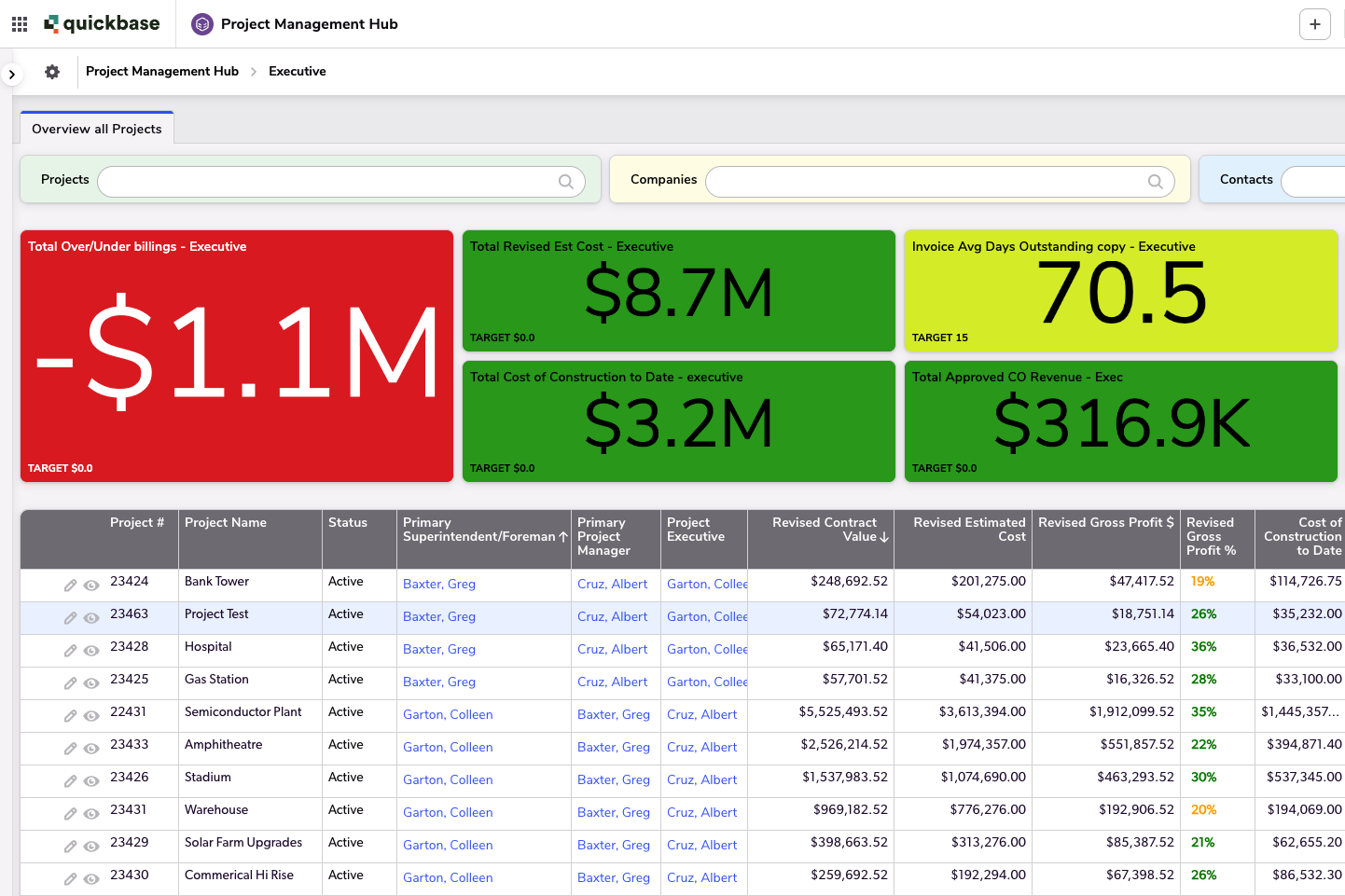
Project Hub
Gain full visibility of project data from kickoff to closeout with this centralized hub.
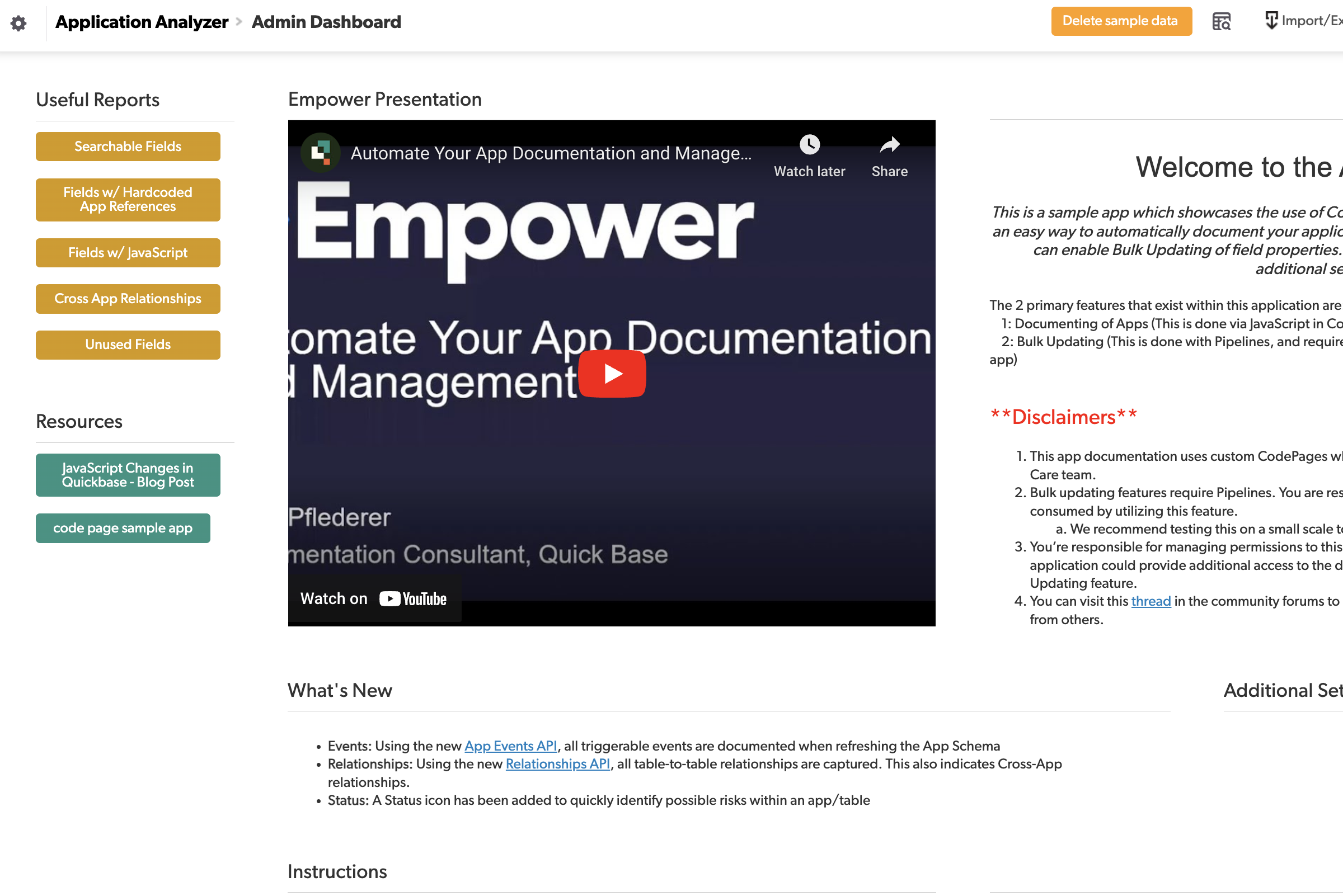
Application Analyzer
Catalog and analyze all of the applications in your realm via this simple to use app!
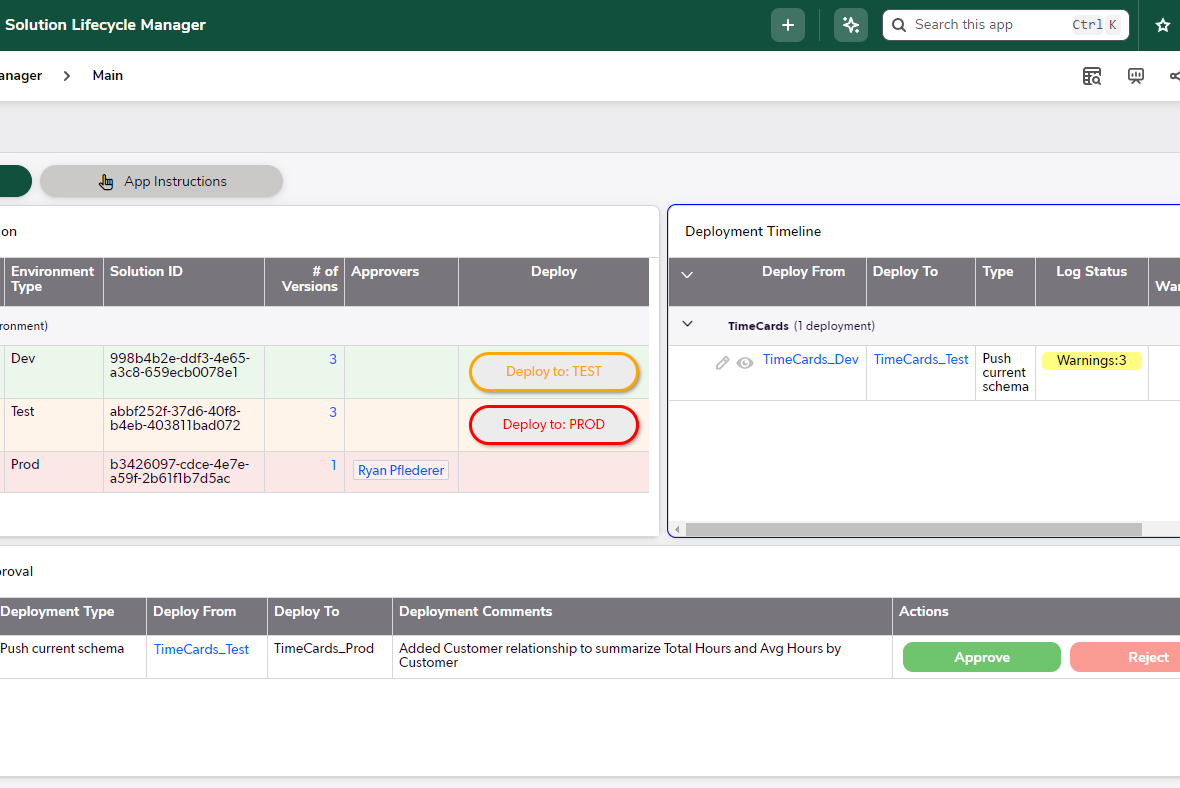
Solution Lifecycle Manager
Enable version control of solutions by automating deployments between environments.