Low-Code vs No-Code vs Vibe Coding: Which One Do You Need?

Low-code, no-code, and vibe coding are three different ways of building custom software without writing traditional code by hand. Low-code combines visual tools with hand-written code, no-code uses visual tools only, and vibe coding lets you describe what you want in plain language and then AI builds it. No-code and vibe coding are usually seen as the most accessible options, relying on visual tools and plain-language prompts rather than traditional coding.
Each method can produce a high-quality application without requiring a dev team or extensive coding skills. They differ in the building experience, what's happening under the hood, and the risks each of them carries. Keep reading to learn about each and how to choose which app development approach is right for you.
Key Takeaways
- Low-code, no-code, and vibe coding all let you build applications quickly, but they differ in starting point: Pre-built blocks with custom code (low-code), visual drag-and-drop interface (no-code), or a plain-language prompt to AI (vibe coding).
- End users overlap more than the labels suggest: No-code and vibe coding are pitched to non-technical users, but developers can use all three to reduce repetitive work and move faster.
- The right choice depends on the use case, not your skill level: A standard, repeatable process is great for no-code. Business-specific logic that needs long-term maintenance fits low-code. A highly specific process where speed and customization matter is best suited for vibe coding.
- Vibe coding is the most flexible of the three: Because vibe coding starts from a blank canvas instead of pre-set blocks, it can be shaped to fit almost any process with custom logic included.
Comparison at a Glance
| Low-code | No-code | Vibe coding |
Best for | Developers and technical teams | Citizen developers | Non-technical users and developers alike |
Technical skill needed | Highest | Low | Low |
Speed | Fast for standard components; slower with custom code | Fast with templates | Fastest to a first working version |
Scalability | Flexible via custom code and APIs, but still bound by the platform | Most constrained, limited to the platform's built-in components | Scales as far as the platform's capabilities allow |
Weakness | Even custom code is bound to the platform | Limited to standard use cases | Gaps in prompt logic |
App ownership | Inspectable in code, but usually needs documentation to hand off | Easiest to hand off, logic is visible in the interface | Logic might need reverse-engineering |
Vendor dependency | Moderate | High | Low |
What is Low-Code Development?
Low-code development is a software development approach that lets you build using visual interfaces, drag-and-drop tools, and prebuilt components with the option to add custom code when needed.
Much of the interface and logic can be configured using drag-and-drop blocks. When a block can't do what you need, you can extend the application with custom code, APIs, connectors, or other development tools.
Low-code is used by developers and technical teams who want speed without giving up control. The visual tools and reusable components allow them to skip over repetitive setup and busywork, while allowing them to focus on the more creative aspects of building.
Over the history of low-code development, the approach has evolved to support a broad range of applications, including internal tools, portals, automations, and MVPs. Enterprise low-code development platforms may also provide security, governance, and application management capabilities to support more complex business use cases.
What is No-Code Development?
No-code development is an approach to software development that lets you build applications, websites, and workflows using visual tools and prebuilt components without writing traditional code. As the name suggests, you can assemble interfaces, configure workflows, and define rules through drag-and-drop tools and other visual settings — no coding required.
Citizen developers (such as business analysts, marketers, ops teams, and other non-technical users) turn to no-code development to build functional applications or web pages without relying on a dev team. The most common examples of no-code include landing pages, internal workflow tools, forms, and lightweight apps that don't need deep customization.
No-code platforms tend to vary quite a bit in their capabilities, but here's the main takeaway: you can easily create and customize applications through configuration rather than having to write code.
What is Vibe Coding?
Vibe coding is a software development approach that uses natural-language prompts that direct AI to generate, structure, and modify code for you. You describe your goal in plain language, then the AI builder writes the code and delivers a fully functional app. The term was coined by AI researcher Andrej Karpathy in early 2025, and he described it as the ability to "fully give in to the vibes, embrace exponentials, and forget that the code even exists."
Vibe coding starts with a prompt, while low-code and no-code start with visual development tools and prebuilt components. Vibe coding tools may or may not add drag-and-drop editing after the initial build, but the process always begins with a plain-language description.
Vibe coding can help automate workflows and make application development more accessible to people without traditional programming experience. Non-technical users can quickly generate web pages, prototypes, and functional applications with natural-language prompts. However, it's important to note that AI-generated code can introduce bugs, security vulnerabilities, and design or business-logic issues, particularly when the output receives limited human review.
That makes oversight an important consideration as vibe coded applications become more complex or business-critical. While a no-code app has its underlying logic built-in, vibe coding offers a blank canvas that gives more freedom than other methods. That flexibility can accommodate highly specific requirements, but it also means developers or other technically capable reviewers may need to validate the resulting code, logic, security, and architecture.
Luckily, there are vibe coding tools that keep the freedom and remove the vulnerabilities. Think same prompting style, but with logic, governance, and audit trails built in so teams can keep their processes secure.
When to Choose Low-Code, No-Code, or Vibe Coding
Not sure which app development method to choose? The choice between low-code, no-code, and vibe coding comes down to what you need your software to do. Below you'll find guidance on when each approach fits, along with common use cases and a real-world example for each.
When to Choose Low-Code
Choose low-code when a workflow involves custom rules and business-specific tracking but still needs a structured system that teams can maintain and extend over time. Common uses cases include:
- Approval workflows with conditional routing
- Internal ticketing or case-management systems with custom status logic
- Inventory or asset trackers with automated alerts, such as low-stock or upcoming-maintenance notifications
- Client or vendor portals that combine standard forms with custom business rules
Example of Low-Code Development
Danko Arlington, an aerospace and defense manufacturer, was relying on a home-grown, DOS-based ERP system developed in the 1980s. Production tracking was insufficient, offline inspections created gaps in visibility, and contract details could get lost between administration and production.
The team used the Quickbase platform to enroll contracts, track production milestones, and support quality, training, and documentation workflows in a highly regulated industry. The result? Danko reduced its order release time from a goal of two to three weeks to two to three days.
The Limitations of Low-Code Development
- Clear requirements: Low-code speeds up implementation, but teams still need to define the data, workflows, permissions, integrations, and business rules the application depends on.
- Learning curve: Low-code is more approachable than traditional programming, but it isn't necessarily intuitive for someone with no technical background. You still need to have a basic understanding of data models, workflow logic, integrations, and coding concepts.
- Customization ceiling: Low-code platforms provide predefined components, workflows, and extension points that make development faster, but those same abstractions can limit highly specialized logic, interfaces, or architecture.
- Platform dependence: Applications built around proprietary components and workflows may be difficult to migrate or maintain outside the platform. Consider portability, integration needs, and long-term ownership before committing to a low-code platform.
When to Choose No-Code
Choose no-code when you need to build a standardized or repeatable workflow and you don't want to write code (visual tools allow you to build your application in the platform). Common use cases include:
- Event registration or RSVP forms
- Simple CRMs for tracking leads or contacts
- Basic intake forms, such as IT requests, HR onboarding, or expense submissions
- Team directories or resource-booking calendars
Example of No-Code Development
Let's look at an example of how no-code tools can be configured to support a consistent, business-specific process, even in a complex field environment. Eagle Infrastructure Services is a nationwide provider of inspection, environmental, civil survey, and GIS services. With more than 2,000 employees across the country, the company had safety data spread across different systems, spreadsheets, and documents.
They used Quickbase and FastField to create a unified safety platform and provided mobile forms that let field employees capture incident details, GPS locations, and photos offline, then sync the data when they were back online. After implementing the new system, Eagle recorded 777 near-miss reports in the first five months of 2025, compared with about 20 per year before the change. That's a 39× increase in reporting.
The Limitations of No-Code Development
- Platform constraints: No-code can handle a wide range of applications, but you're still working within the platform's available components, integrations, data structures, and customization options. Highly specialized requirements may not fit.
- Difficult to extend: No-code starts simple and grows with the business, but complex builds can become difficult to manage and the app may outgrow the platform.
- Platform dependence: Applications built on a no-code platform may be difficult to migrate to another system. Even if data can be exported, you'll need to recreate the application's logic and behavior.
- Governance challenges: When many users can create applications, organizations need processes for managing access, security, data, ownership, and app sprawl.
- Limited integrations: Prebuilt connectors make common integrations easier, but connecting to legacy systems, proprietary APIs, or complex data sources may require workarounds or technical assistance.
When to Choose Vibe Coding
Choose vibe coding when you need to turn a specific business process into a custom application without using a predefined template or writing the application code yourself. The range of use cases for vibe coding is wide, seeing as all you need to provide the AI builder is a description of what you need. Here are some common examples
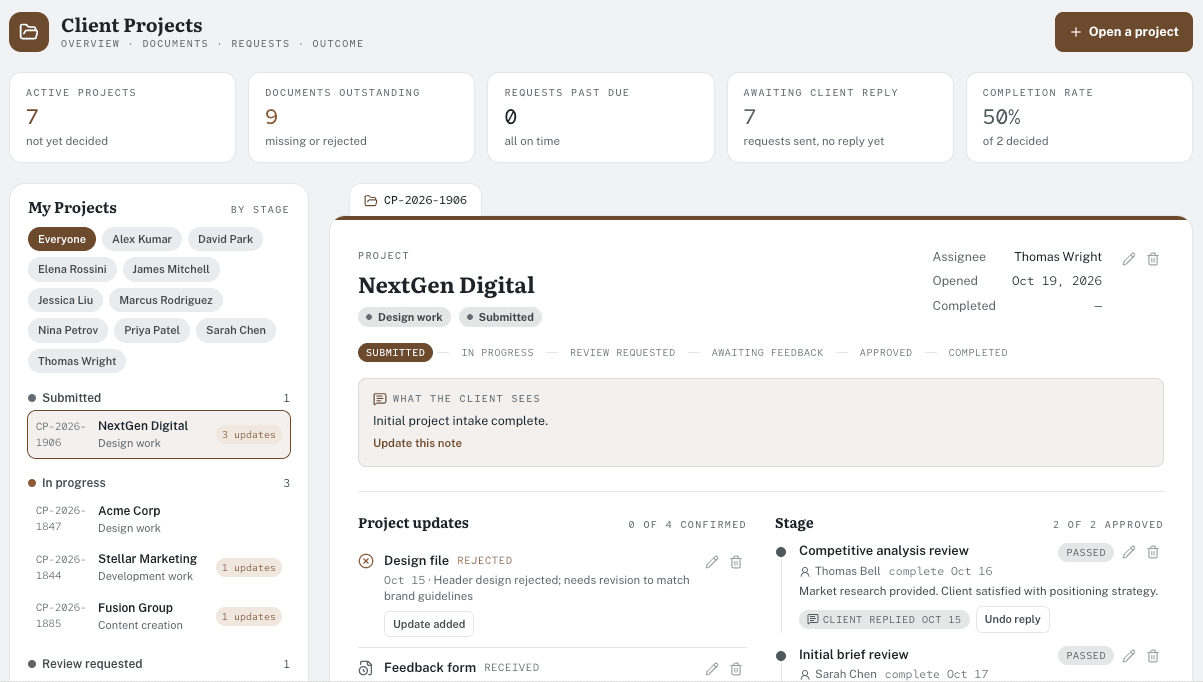
- Project management tools
- Help desk systems
- Inventory tracking apps
- Approval workflow software
- Employee onboarding apps
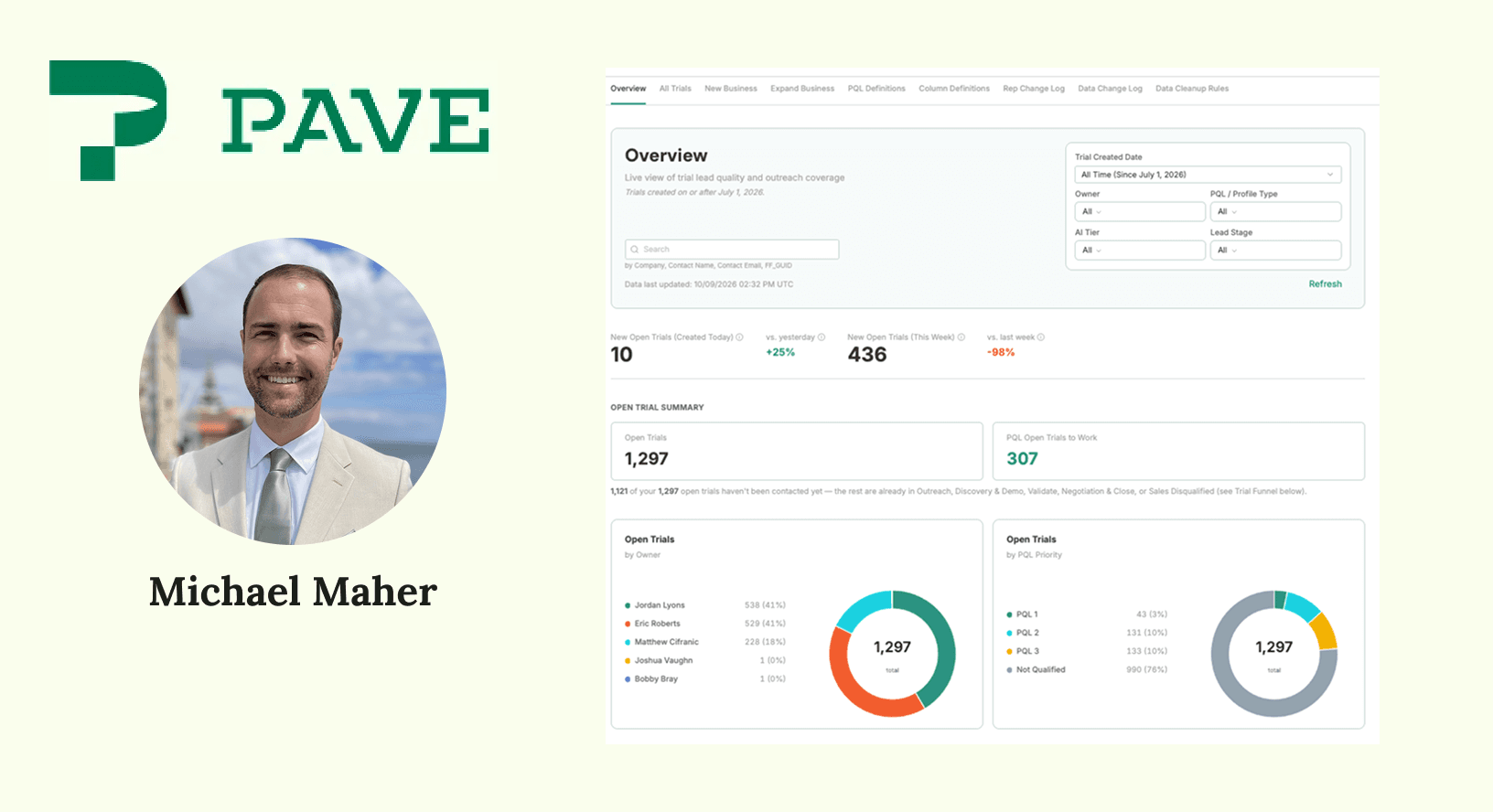
- Custom reporting dashboards
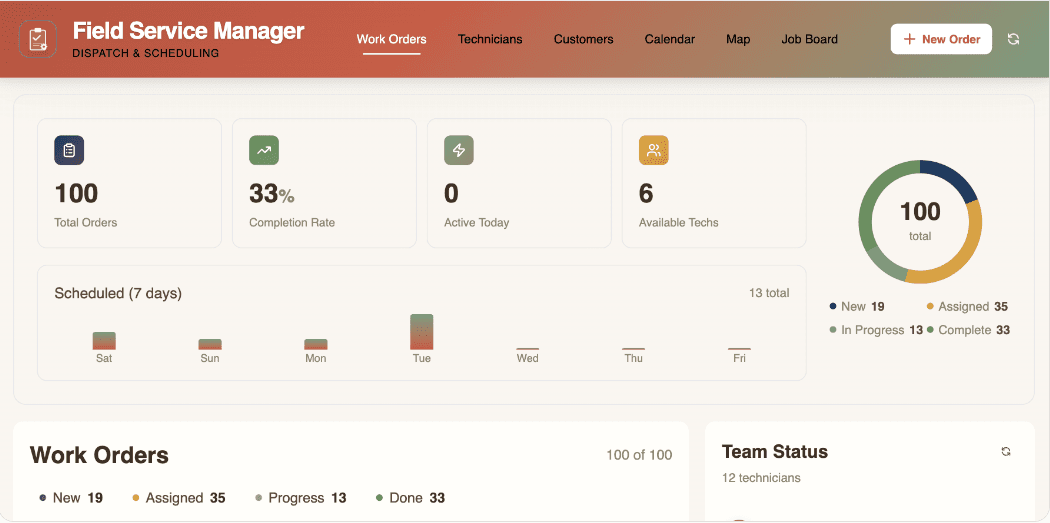
- Work order management applications
- Asset tracking apps
Example of Vibe Coding
Our 2026 Paveathon winners showcased different teams from different industries who brought their own workflows to Pave and turned them into working apps. Evergreen Nephrology used vibe coding to turn a spreadsheet- and paper-based process into a working provider credentialing application. They built an app that tracks credentials and payer enrollments, alerts users before credentials expire, and controls what each user can see.
The Evergreen team built their application in about 420 minutes using 90 prompts. It includes 13 connected tables, more than 150 fields, and a ZIP code reference table containing 42,000 records — all created by simply chatting with Pave.
The Limitations of Vibe Coding
- Governance limitations in production: Many vibe coding platforms don't inherently provide governance, audit trails, access controls, or compliance capabilities so make sure to choose one with built-in security and compliance.
- Testing and review requirements: AI-generated code can contain bugs, security vulnerabilities, incorrect business logic, or unintended behavior. The more complex or business-critical the application, the more important it is to conduct human review and testing.
- Dependence on the AI builder and development environment: The capabilities around authentication, permissions, data management, deployment, monitoring, version control, and integrations vary considerably between vibe-coding tools.
Challenges and Considerations
Low-code, no-code, and vibe coding each come with challenges and considerations. Here's what to keep in mind:
Governance
Both low-code and no-code typically provide centralized governance, but the capabilities vary by platform. In low-code, custom code can also introduce additional requirements around security, testing, dependencies, and maintenance.
Governance in vibe coding depends heavily on how it's implemented. Standalone AI coding tools without organizational controls can make it difficult to oversee applications, data, and access. Enterprise vibe coding platforms can provide centralized controls for users, data access, applications, and deployment.
App Ownership
No-code apps are the easiest to hand off because workflows, rules, and other configurations are typically represented visually. However, complex applications can still require documentation to hand off effectively.
Low-code applications may combine visual configuration with custom code, so ownership often require basic technical skills and an understanding both. Vibe-coded applications can also be more difficult to hand off when business logic, architecture, and design decisions are spread across AI-generated code and iterative changes without clear documentation.
Shadow IT Risks
Shadow IT is an important consideration for businesses in every industry. In fact, the Varonis Data Security Report found that 99% of organizations have sensitive data exposed to AI. Low-code, no-code, and vibe-coding platforms all enable people outside traditional development teams to expose sensitive data by building applications without IT oversight.
Regardless of the development method, governance should provide visibility into applications, users, data, access, and changes. Enterprise-grade platforms can help IT maintain centralized administration, access controls, security policies, and application oversight.
Scaling
Low-code provides more flexibility as your requirements grow. Developers can use custom code, APIs, and integrations to extend applications beyond standard platform capabilities. However, the underlying platform still determines some of the technical limits.
Vibe coding can accommodate highly customized requirements, but how far an application can scale depends on the capabilities of the AI builder, underlying architecture, infrastructure, and development practices.
No-code applications can scale quite a bit, but their customization is often limited by the components, integrations, data structures, and workflows the platform supports.
Technical Expertise
All three lower the barrier to application development, but it's still important to consider technical skill level. Low-code generally has a higher technical barrier than no-code, particularly when custom code, APIs, integrations, or complex data models are involved.
No-code usually requires less technical experience because you can work primarily through visual tools, prebuilt components, and configuration. Vibe coding has the lowest barrier to entry. You can simply describe what you need in natural language and the platform will build for you.
That doesn't mean tools with lower technical barriers are used exclusively by non-technical teams. In SlashData's Q3 2024 global survey, 49% of technology professionals surveyed reported using no-code or low-code tools in their workflows.
Customization
No-code applications are generally limited to the customization options the platform supports, including its components, workflows, integrations, and data structures.
Low-code and vibe coding can support broader customization. Low-code lets developers extend applications with custom code, while vibe coding can generate custom application logic from natural-language instructions.
Maintenance
No-code applications are maintained primarily through visual configuration, but when apps become more complex, it can make workflows and dependencies harder to manage. Low-code applications require teams to maintain both visual configurations and custom code, which increases the need for technical expertise.
Vibe-coded applications can be easy to modify through natural-language prompts, but rapid AI-generated changes can introduce inconsistencies. . Documentation, testing, and code review become increasingly important as the application grows.
Cost
All three forms of development are usually driven by platform subscriptions, and they scale with users, apps, storage, and usage. Keep in mind that low-code often carries a hidden cost: the developer time needed to build and maintain it.
Vibe coding tends to have a lower upfront cost to build an app because AI takes much of the development work. Costs typically combine a base subscription with usage-based credits.
Which is Right for You?
Choosing between no-code, low-code, and vibe coding depends on what you're building, how much customization you need, who will maintain it, and how those requirements may change over time.
TLDR
- Choose no-code when your requirements fit the platform's visual tools and you want minimal technical overhead.
- Choose low-code when you want prebuilt components but need developers to extend the application with custom code.
- Choose vibe coding when you want to describe a highly specific application in natural language and have AI generate and modify the underlying code.
Build Your Custom App with Pave
Pave is an AI app builder from Quickbase that brings speed and flexibility to business applications with governance built right into the platform. Describe what you need in plain language, and Pave helps turn your idea into a functional app with the data, workflows, permissions, and governance your organization needs to run and manage it.
You get the freedom to build around your business without worrying about the security of what you create. See every connection and every workflow with governance built in, founded on a 25-year-old platform trusted by thousands of enterprises.
Start building free with Pave.
FAQs
Is no-code the same as low-code?
No. No-code and low-code are different development approaches. No-code builds applications entirely through visual, drag-and-drop tools, with no coding required at any point. Low-code combines those same visual tools with the option to write custom code for components or logic the pre-built blocks can't handle.
Is vibe coding just no-code with a chatbot?
No. Vibe coding is not the same as no-code with a chatbot layered on top. No-code assembles applications from pre-set blocks with fixed logic underneath. Vibe coding generates the logic itself from a plain-language description, giving it far more freedom to handle custom, business-specific rules that no-code's fixed blocks can't support.
Which approach is best for building business applications?
It depends, as the right method depends on the use case. No-code suits standard, repeatable processes like intake forms or registration pages. Low-code fits custom business logic that needs to stay stable and maintainable over time. Vibe coding's benefit is building that same custom logic without a professional developer, quickly.
Do you need a professional developer or someone with coding experience?
It depends. Coding experience requirements differ sharply across the three: no-code needs none, vibe coding needs little to start, and low-code needs the most. No-code requires no coding experience at all: you can build entirely through visual, drag-and-drop tools. Vibe coding also requires no coding experience to start, though more complex builds benefit from a basic understanding of app logic. Low-code requires the most technical fluency, since building or extending with custom code, APIs, and integrations calls for hands-on development skills.
Which is the cheapest?
Vibe coding tends to have the lowest upfront cost, since AI handles much of the development work that would otherwise require paid engineering time. No-code and low-code costs are typically driven by platform subscriptions that scale with users, apps, storage, and usage. Low-code carries an additional cost: the developer time needed to build and maintain custom components.
How secure are low-code, no-code, and vibe coding?
Low-code and no-code platforms typically build in centralized governance by default, while vibe coding's security depends on the specific tool. Standalone AI builders without organizational controls can be harder to oversee, while enterprise-grade vibe coding platforms build in centralized governance, access controls, and audit trails.
Will vibe coding replace low-code and no-code?
Vibe coding is unlikely to fully replace low-code and no-code. The more likely outcome is convergence: vibe coding is extending past quick, front-end-focused prototypes into more complete applications as governance and structure improve, while low-code and no-code keep adding automation and AI-assisted building into their own workflows. Expect all three approaches to keep borrowing from each other rather than one replacing the others outright.

Written by:Adelina Karpenkova