Run your field ops on apps that fit the work.
The job, the crew, the equipment, all in one place. Build what your operation needs and run every job — no code required.
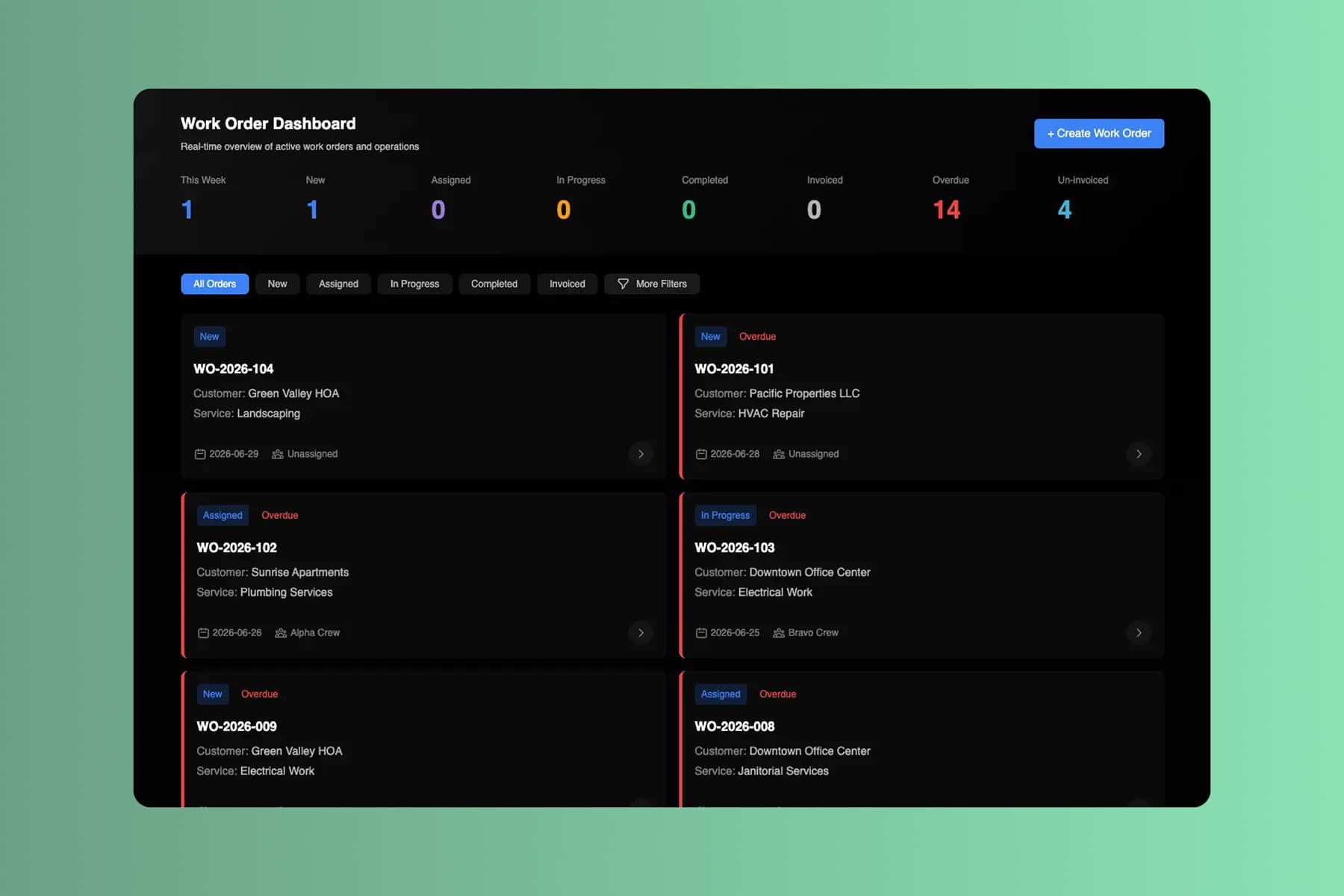
From prompt to a running operation. Before tomorrow's first dispatch.
Start with the job you're tracking on a clipboard. End the day with an app that carries every job from dispatch to sign-off.
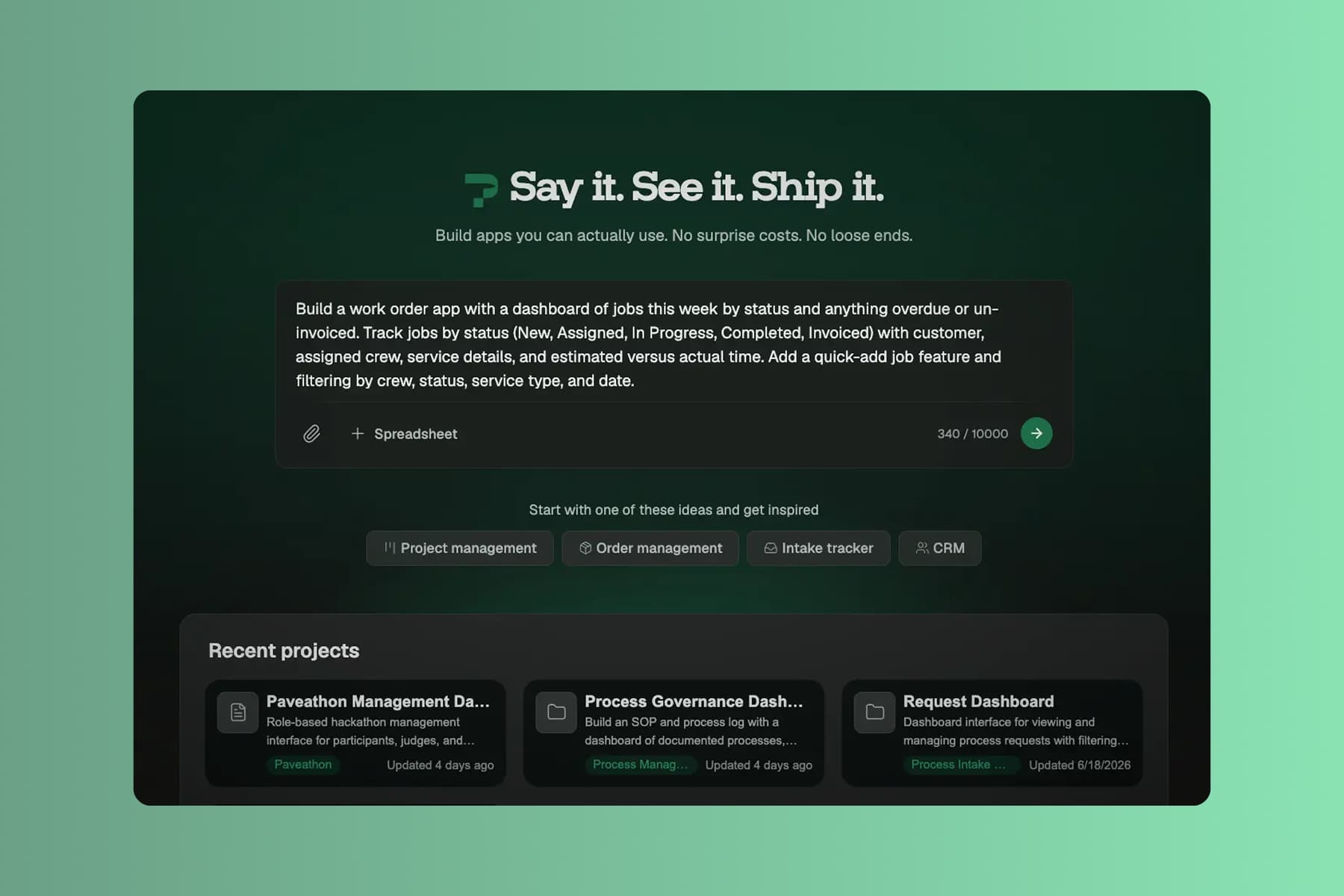
Describe the job flow
Tell Pave what your operations team needs in plain language. Describe how a job moves from request to close, upload supporting context, or start with the data you already keep.
Start with whatever you run jobs on today:
- a text description of the jobs and crews you manage
- a spreadsheet of work orders or equipment you already track
- a PDF work order, invoice, or inspection form
- a process diagram of how a job moves from request to close
Name your job types, your crews, and how a job closes out. Pave drafts the app in minutes.
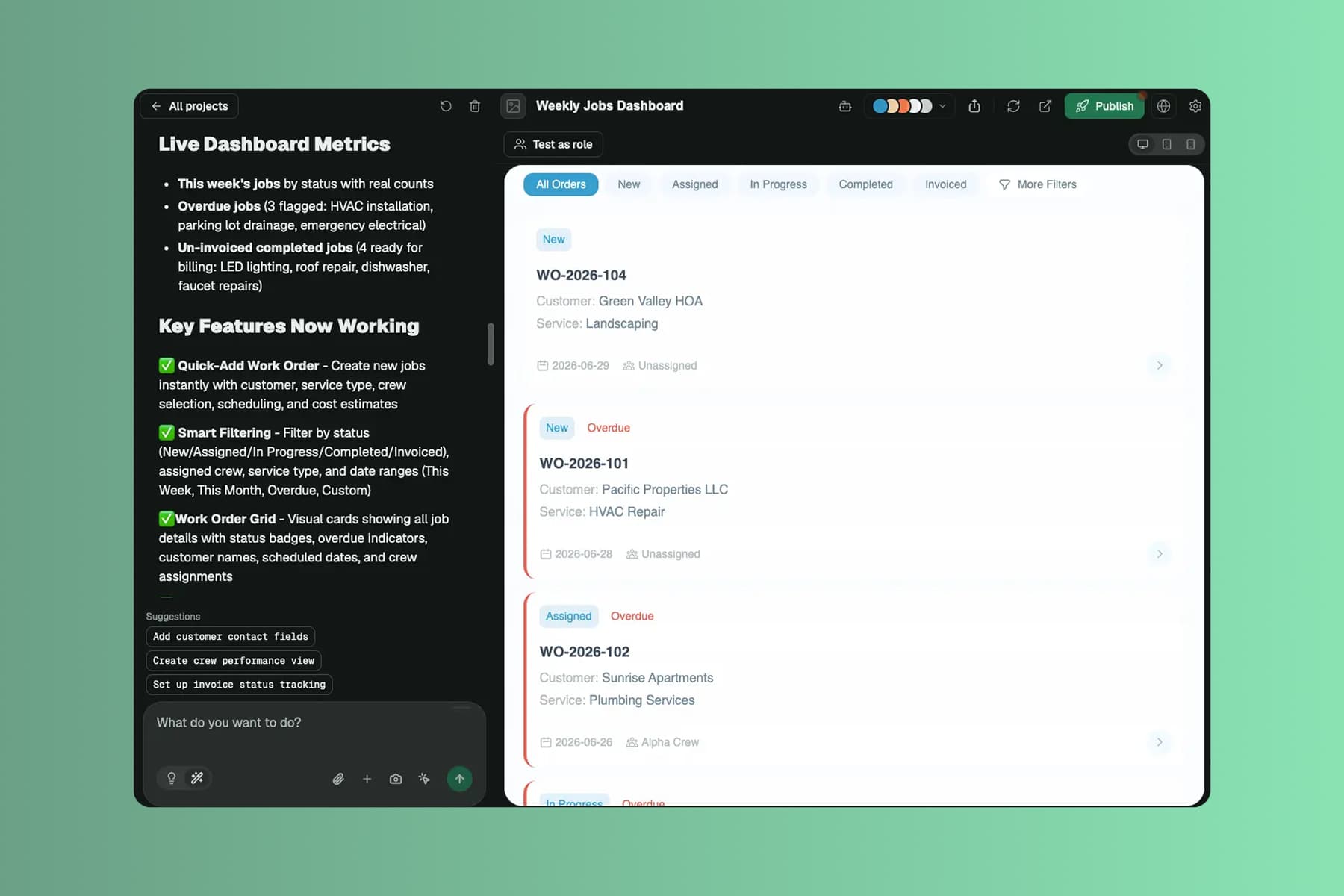
Shape it in your own words
Pave builds a custom operations app in minutes with the core structure already in place. From there you shape it in your own words. Tell Pave what to change, like adding a checklist step or changing who gets dispatched, and it makes the edit. No code, no rebuild. If a change doesn't land, roll back to an earlier version.
Your operation comes back with:
- linked records for jobs, crews, equipment, and customers, related the way they actually are
- a dispatch board, a work-order dashboard, and forms the field can fill from a phone
- status flows, overdue flags, and assigned-crew rules that run on their own
- alerts when a job is assigned, completed, or finished but never invoiced
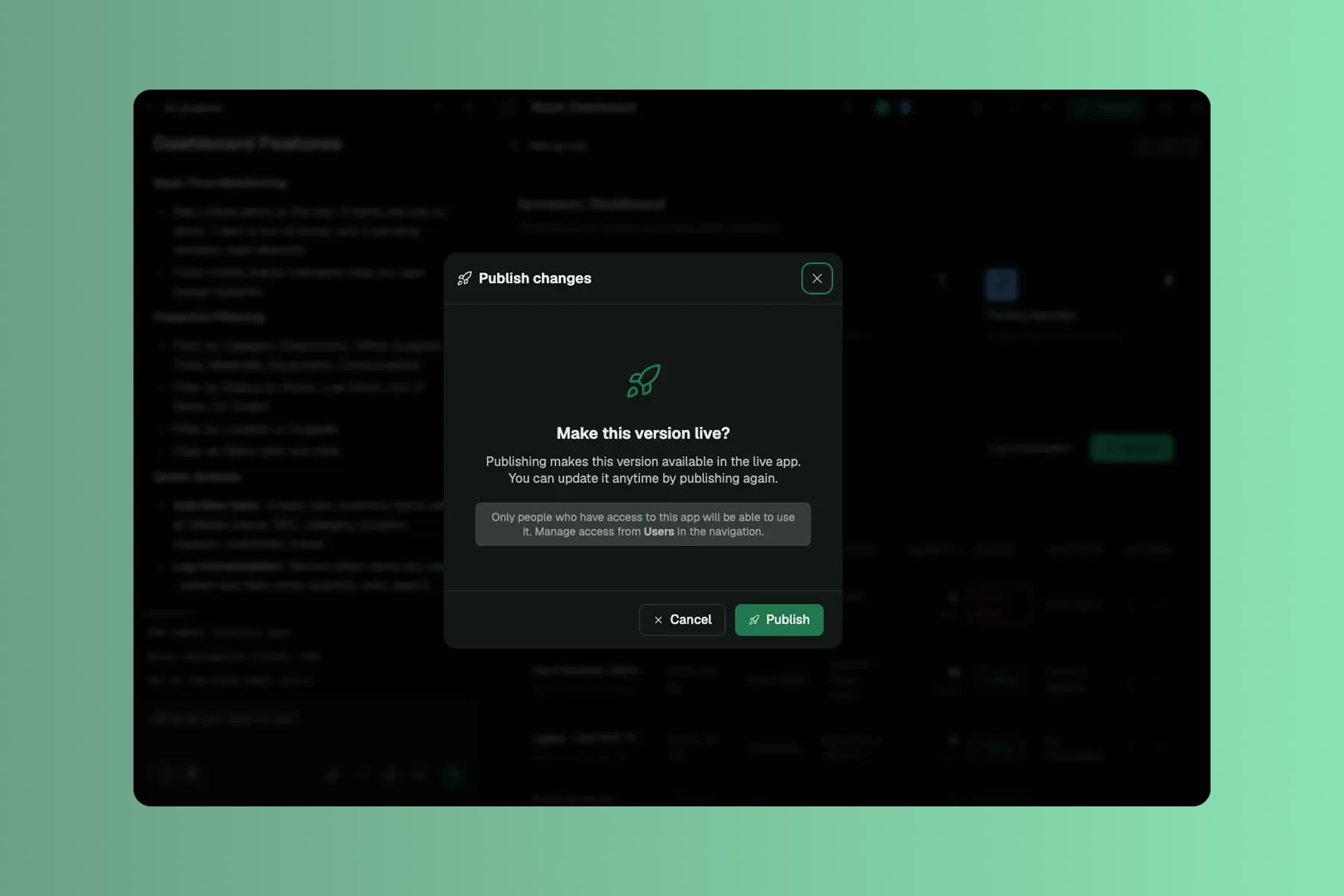
You're working in draft the whole time. Nothing reaches your team until you decide to publish.
Roll it out to the field
When you're ready, publish the app and roll it out to your team. The office and the field work from the same records, every job in one place.
With the app live, the office and the field can:
- stop calling the field for status, with every job on one board
- bill sooner by capturing work and sign-offs from a phone in real time
- stop losing revenue to jobs that get finished but never invoiced
Data, hosting, and deployment are already in place. No database to configure, no extra tools to stitch together, no infrastructure to manage. It's all backed by Quickbase, trusted by 5,000+ companies for more than 25 years.
What operations teams run on Pave
Build apps that keep field, service, and supply work moving.

Schedule, assign, and track every job from request through invoice.

Know what you own, where it is, and when it's next due for service.

Track parts and materials and flag low stock before a crew runs short.

Run inspections and QC checks from checklist templates and log every pass, fail, and fix.
Scale it as the operation grows.
More crews, more sites, more work. The app scales without a rebuild.

Projects
Give each audience its own view of the app, from a crew's daily job list to an owner's portfolio dashboard. The office and the field read from one set of records, updated in real time.

Spreadsheet Import
Already tracking jobs in a spreadsheet? Upload it and Pave brings in the structure, the relationships, and the data, so the office isn't rekeying work orders by hand.

Notifications
Add email alerts in the builder, or just ask Pave. Notify a crew on assignment, a manager on overdue jobs, or a buyer when stock runs low.

Direct Edit
Change the app with no prompt required. Click the field or screen you want and adjust it inline. Quick fixes between jobs, fewer credits spent.