Run your HR on apps built for your team.
Every hire, record, and review where it belongs. Build what HR needs and run people ops, no code required.
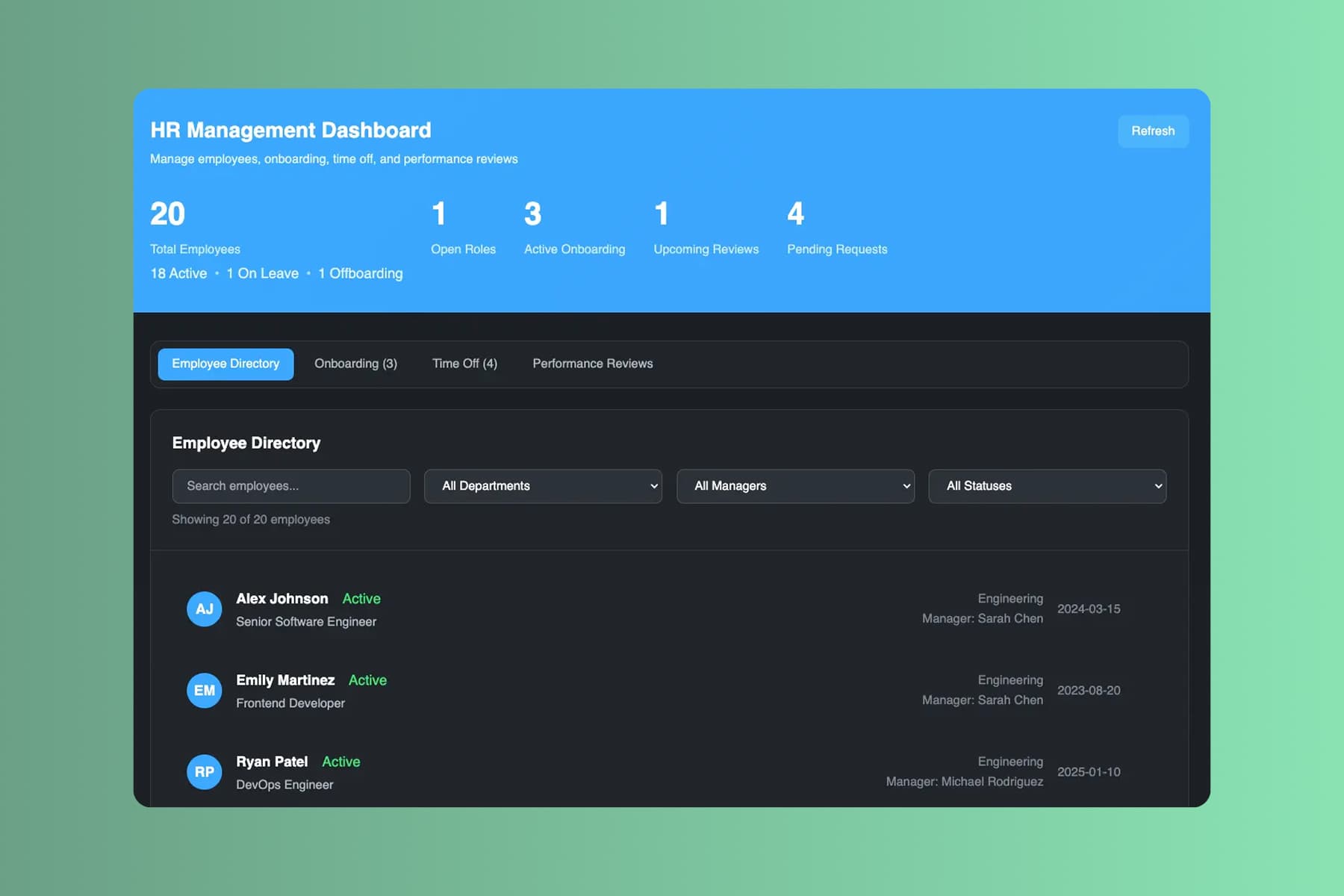
From prompt to a running HR app. Before your next start date.
Start with the onboarding checklist you rebuild for every hire. End the week with an app that runs it and keeps sensitive records private.
Describe your HR process
Tell Pave what your HR team needs in plain language. Describe the process you want to manage, upload supporting context, or start with the data you already keep.
Start with whatever you keep people records in today:
- a text description of the process you want to manage
- a spreadsheet of employees, roles, or training records
- a PDF policy, onboarding checklist, or review form
- a process diagram of how an employee moves through a stage
Name your stages, your policies, and what stays private. Pave drafts the app in minutes.
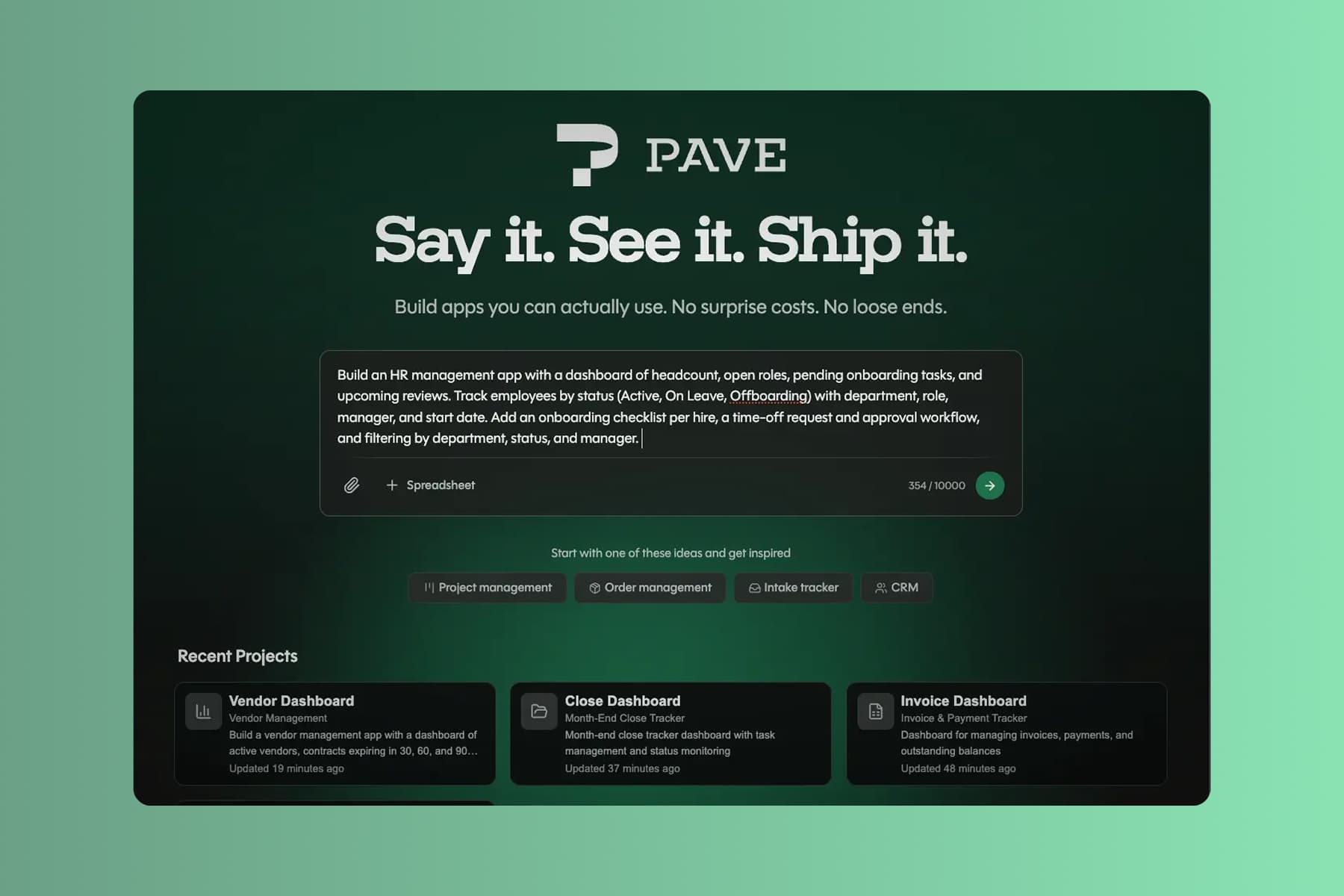
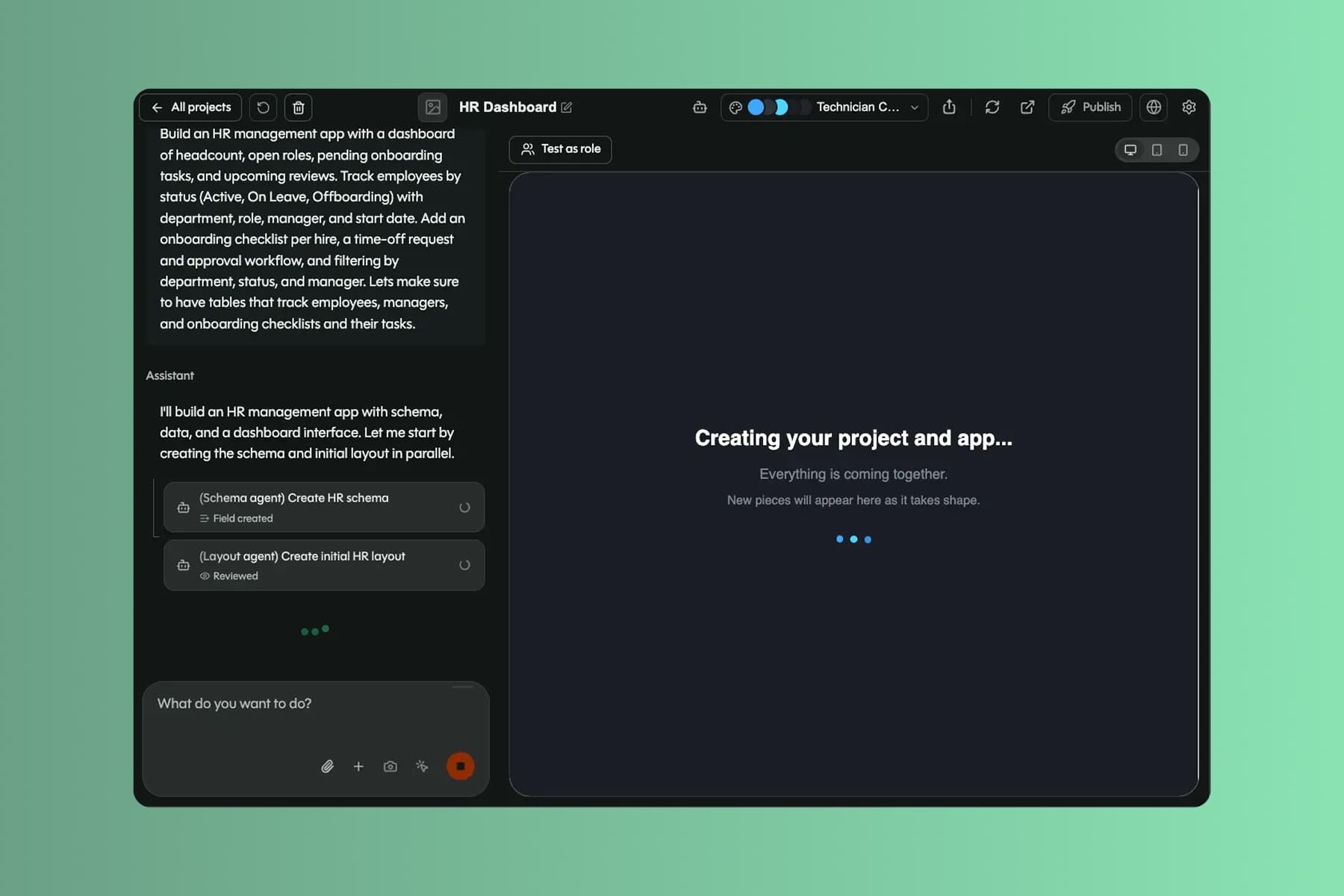
Shape it in your own words
Pave builds a custom HR app in minutes with the core structure already in place. From there you shape it in your own words. Tell Pave what to change, like adding a review step or changing who can see a record, and it makes the edit. No code, no rebuild. If a change doesn't land, roll back to an earlier version.1
Your HR app comes back with:
- linked records for employees, roles, departments, and history, related the way they actually are
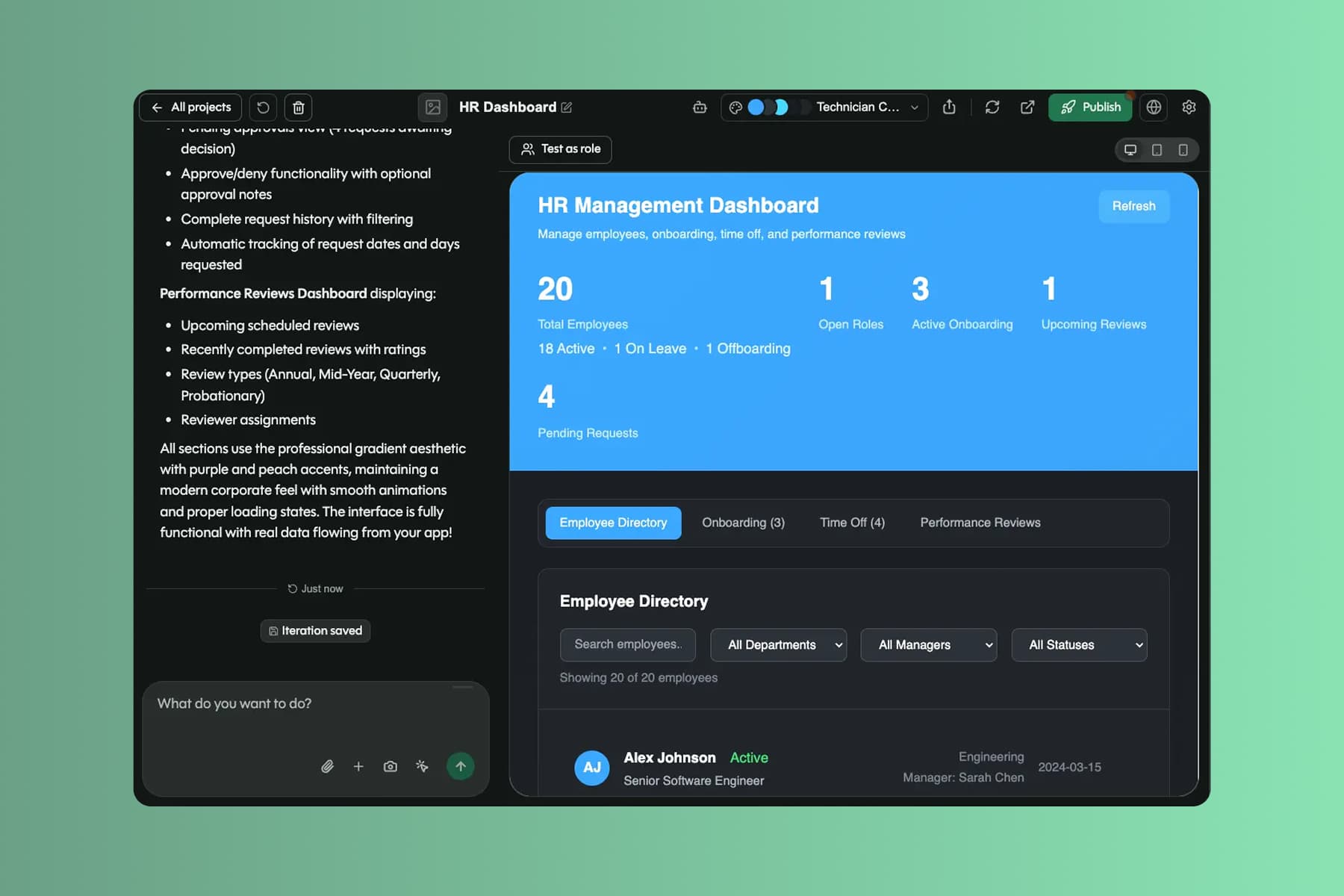
- a people dashboard, an employee directory, and intake forms managers can use
- status flows, manager-only fields, and due-date rules that keep records private and on time
- alerts when a review is due, a task is overdue, or a certification lapses
You're working in draft the whole time. Nothing reaches your team until you decide to publish.
Roll it out to managers
When you're ready, publish the app and roll it out to managers and employees. Sensitive fields stay protected, and everyone sees only what their role allows.
With the app live, managers and employees can:
- onboard every hire the same way, without rebuilding the checklist each time
- keep sensitive records private, with managers seeing only what their role allows
- stop missing reviews and lapsing certifications, with due dates tracked for you
Data, hosting, and deployment are already in place. No database to configure, no extra tools to stitch together, no infrastructure to manage. It's all backed by Quickbase, trusted by 5,000+ companies for more than 25 years.
What HR teams run on Pave
Build apps that carry your team from hire to exit.

Track headcount, roles, and the employee directory in one place.

Assign training, track completion, and watch certifications that expire.

Manage tasks across HR, IT, and Facilities for every new hire and exit.

Run review cycles, capture feedback, and track goals over time.
Add to it as headcount grows.
More headcount, more programs, more records. The app grows without a rebuild.

Projects
Give each audience its own view of the app, from an employee self-service view to a manager-only dashboard. One record per employee underneath, so nothing gets duplicated or missed.

User Management
See everyone with access to your people apps in one place. Invite managers, change roles, and keep app-level access tight around sensitive records.

Notifications
Add email alerts in the builder, or just ask Pave. Notify a manager when a review is due, an employee on a new task, or HR when a certification lapses.

Spreadsheet Import
Already keeping employee records in a spreadsheet? Upload it and Pave brings in the structure, the relationships, and the data, so you're not rebuilding the roster by hand.