Run your budgets on apps with controls built in.
Every dollar tracked, every approval on record. Build what finance needs and run the books without code, but with guardrails.
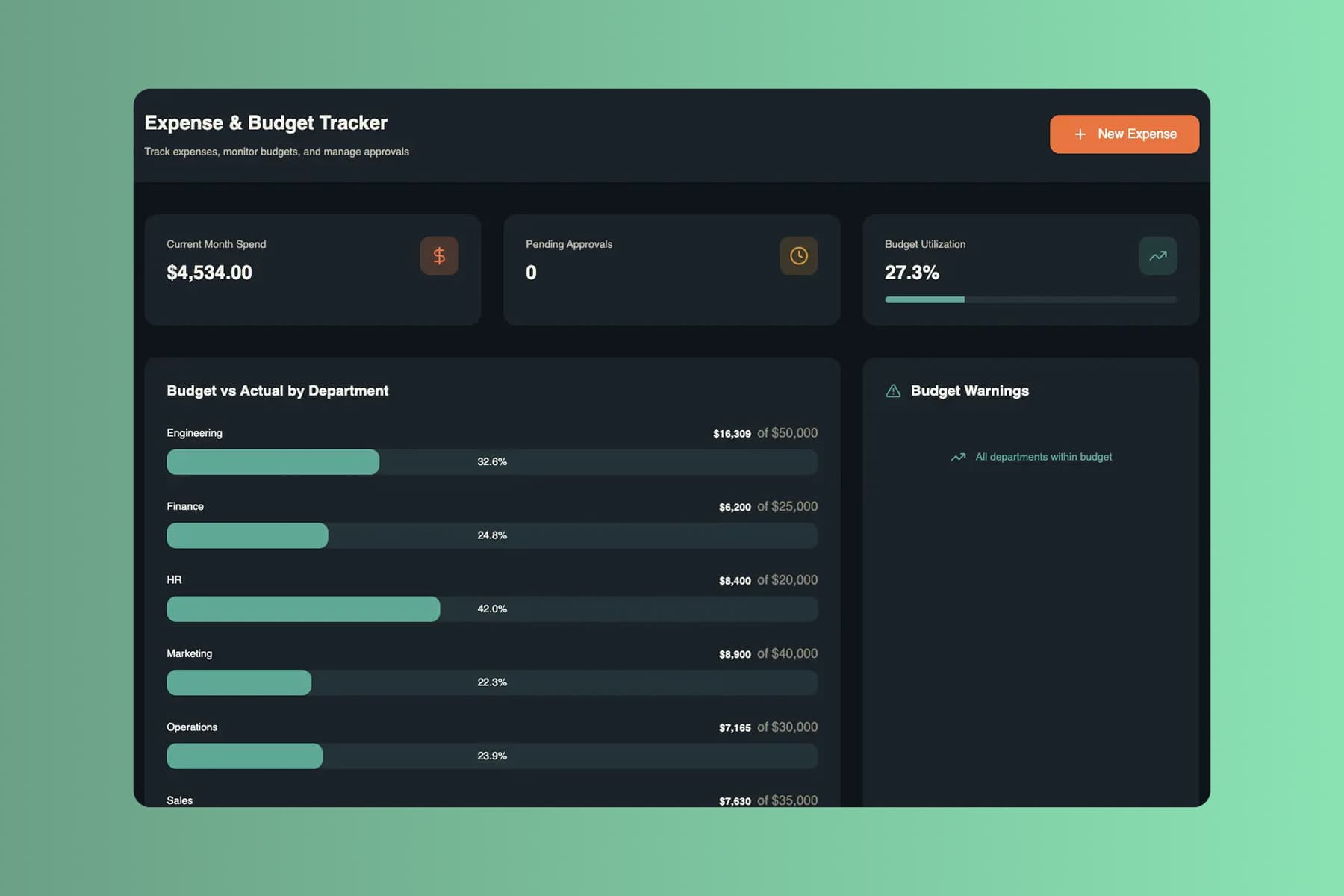
From prompt to a live finance app. Before the next close.
Start with the workbook you reconcile by hand. Run the next close on an app where approvals route to the right people every time.
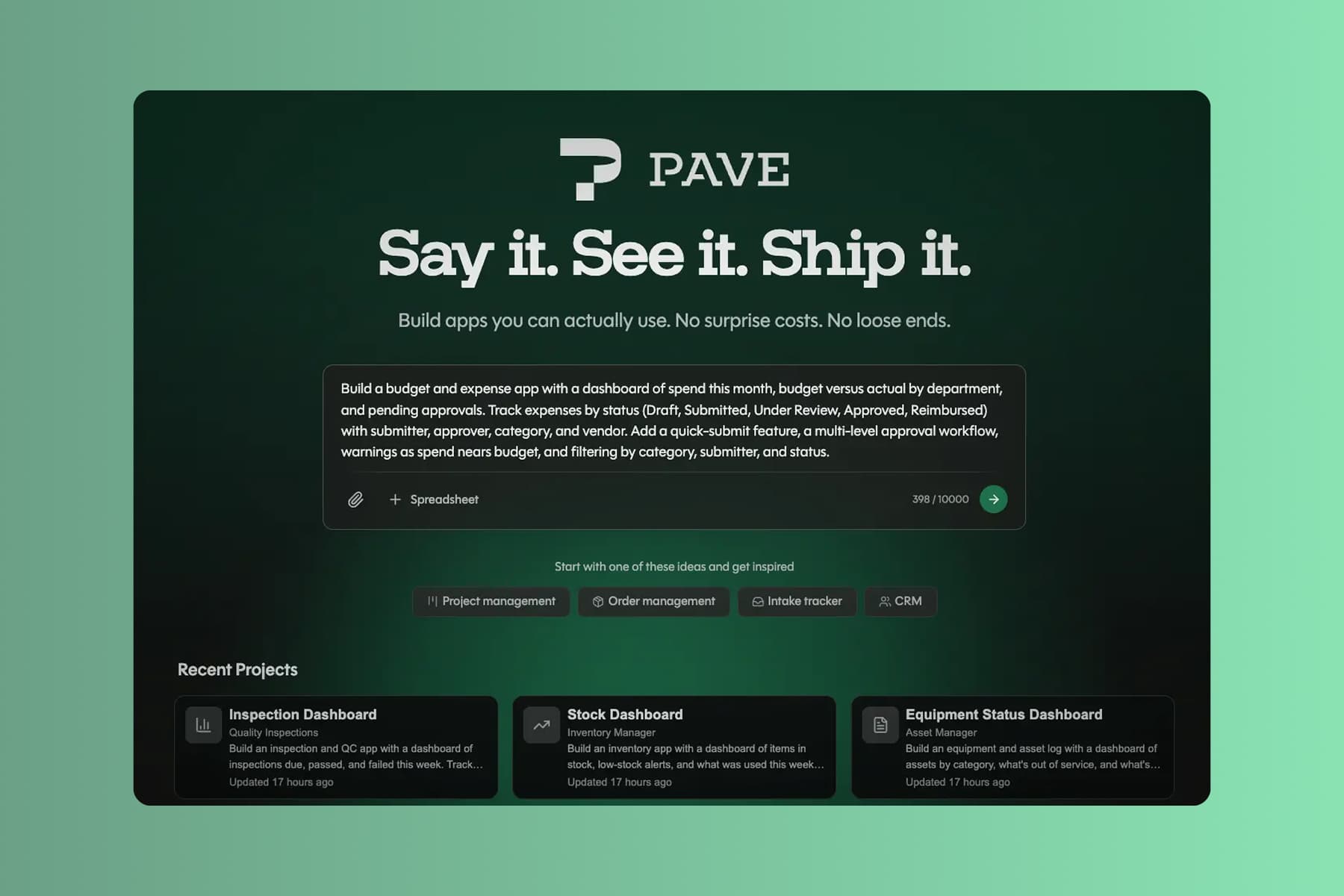
Describe your process and approvals
Tell Pave what your finance team needs in plain language. Describe the process and the checks you need, upload supporting context, or start with the data you already keep.
Start with whatever you run the books on today:
- a text description of the finance process you want to manage
- a spreadsheet of budgets, expenses, or invoices you already track
- a PDF statement, invoice, or approval policy
- a process diagram of your approval or month-end close workflow
Name your cost centers, your approval chain, and your close steps. Pave drafts the app in minutes.
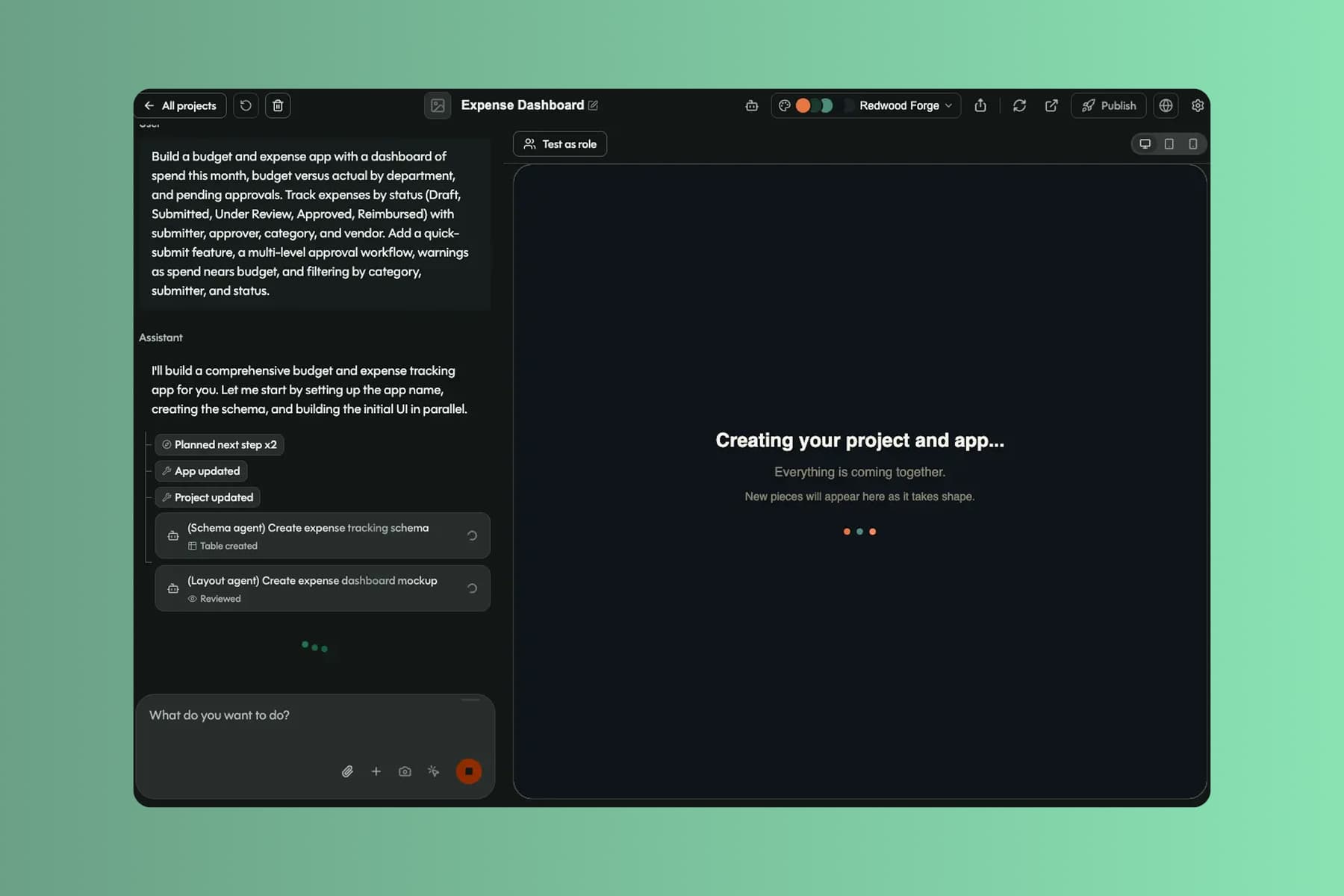
Shape it in your own words
Pave builds a custom finance app in minutes with the core structure already in place. From there you shape it in your own words. Tell Pave what to change, like adding an approval or changing who signs off, and it makes the edit. No code, no rebuild. If a change doesn't land, roll back to an earlier version.1
Your finance app comes back with:
- linked records for budgets, expenses, vendors, and invoices, related the way they actually are
- a budget-vs-actual dashboard, submission forms, and approval queues by cost center
- multi-level approvals, budget warnings, and status flows that hold the line on their own
- alerts when an item needs sign-off, an invoice is overdue, or spend nears budget
You're working in draft the whole time. Nothing reaches your team until you decide to publish.
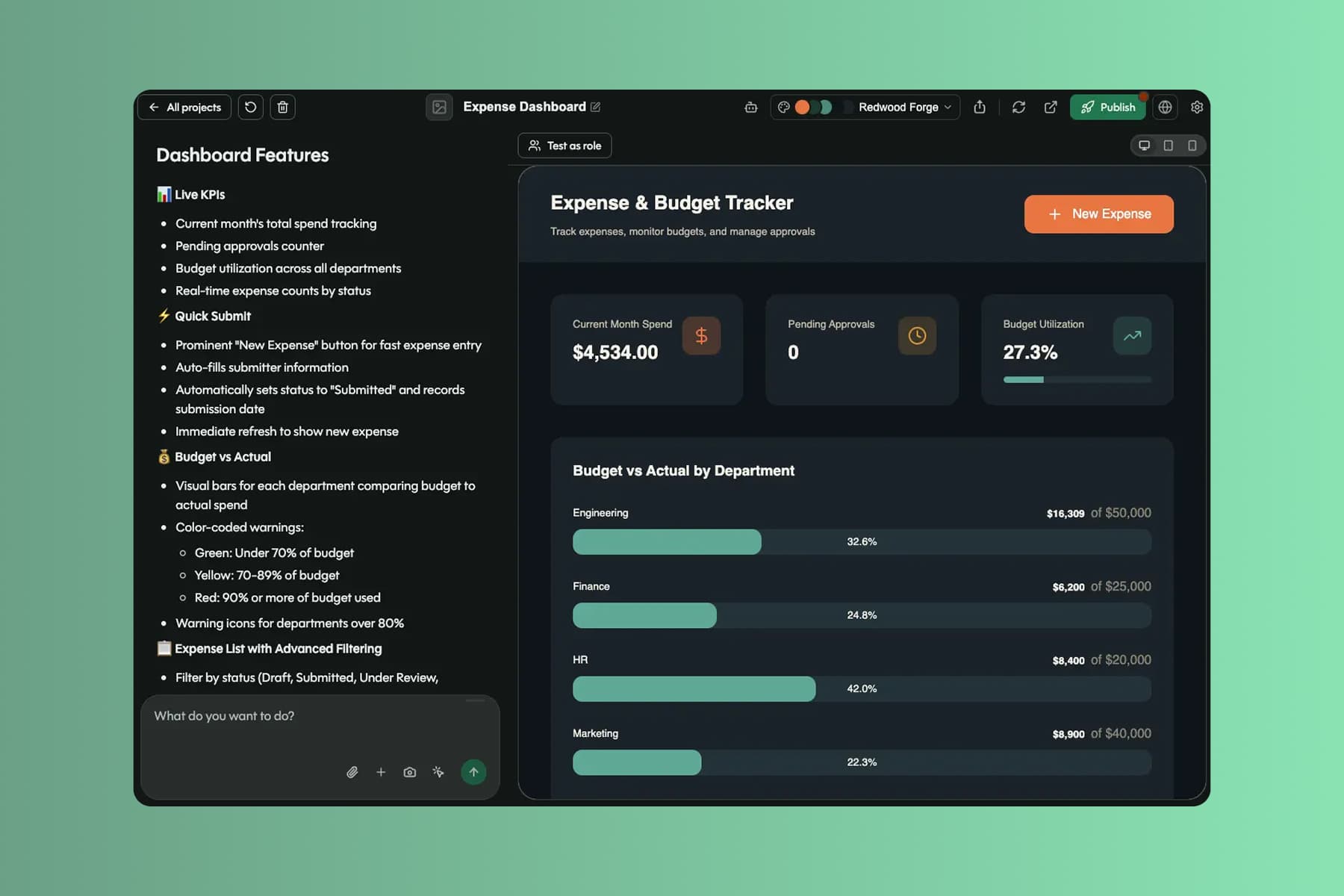
Publish with sign-off in place
When you're ready, publish the app and roll it out to the team. Approvers, submitters, and reviewers each get the right access, and every item moves through the approvals you set.
With the app live, your finance team can:
- close faster, with approvals routing to the right people automatically
- trust budget versus actual, with every change tied to one set of numbers
- stop chasing sign-off by email, with the approval chain built into the app
Data, hosting, and deployment are already in place. No database to configure, no extra tools to stitch together, no infrastructure to manage. It's all backed by Quickbase, trusted by 5,000+ companies for more than 25 years.
What finance teams run on Pave
Build apps to manage spend, run approvals, and close the books.

Track spend against budget by department, with submission and approval built in.

Keep vendors, contracts, and payment terms organized in one place.

Run the close checklist, assign owners, and watch what's outstanding.

Track invoices from received to paid and flag anything overdue.
Extend it as the books grow.
Bigger budgets, more approvals, a longer close. The app extends without a rebuild.

Projects
Give each audience its own view of the app, from a submitter's expense form to a controller's budget dashboard. Every view ties back to one set of numbers, with no reconciling between copies.

Formulas
Let AI write the formulas and calculated fields, like budget versus actual, running balances, or variance. Then tune them by hand.

Notifications
Add email alerts in the builder, or just ask Pave. Notify an approver when an item needs sign-off, a manager when spend nears budget, or AP on overdue invoices.

User Management
See everyone with access to the books in one place. Invite approvers and reviewers, change roles, and control app-level access so the right people hold the right rights.