Run your operations on apps built around your process.
The requests, the handoffs, the follow-ups. Build the apps your business runs on and keep work moving, no code required.
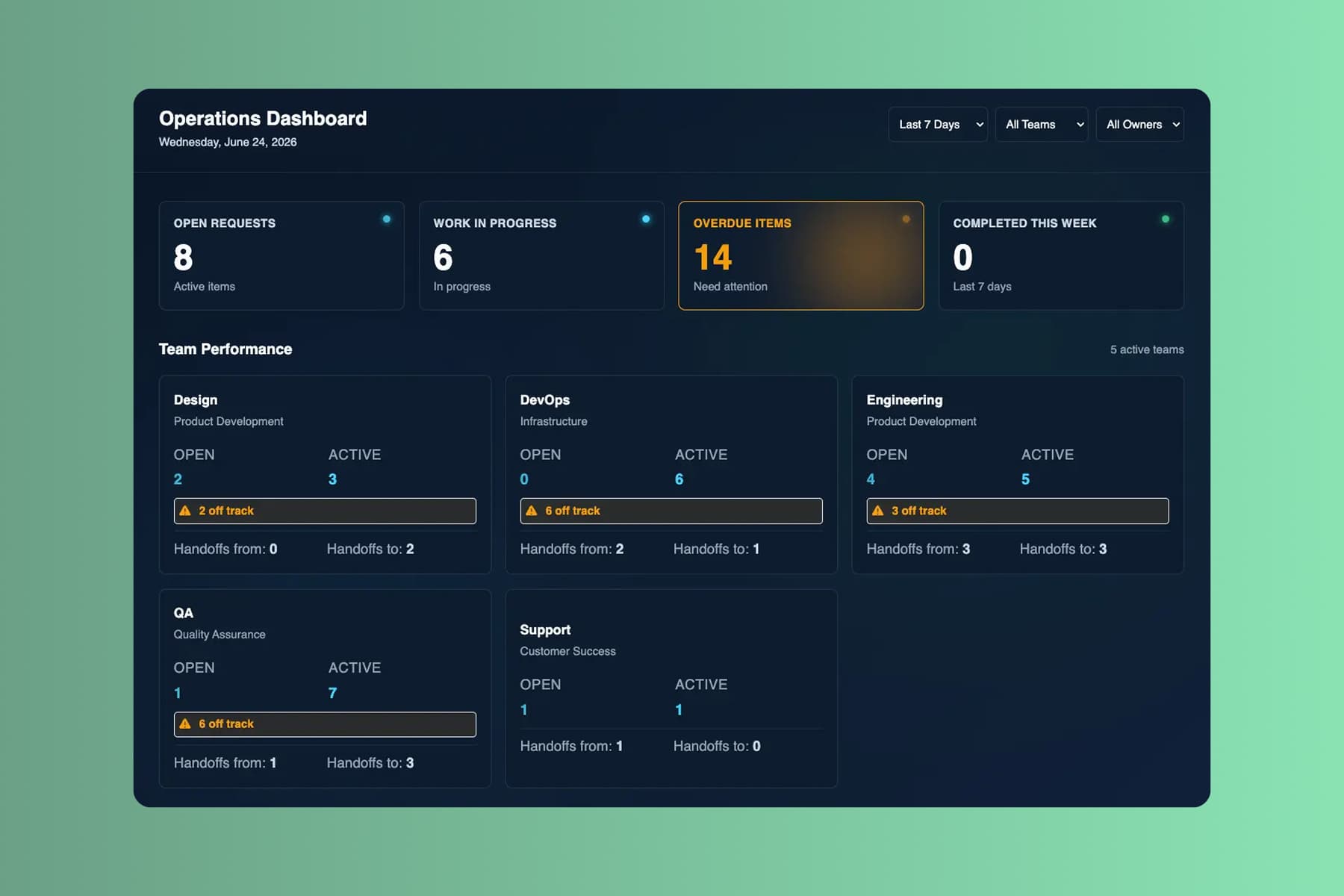
From prompt to a system that runs. Before the next ops review.
Start with a process held together by email and a shared sheet. Days later, the whole business runs on one system.
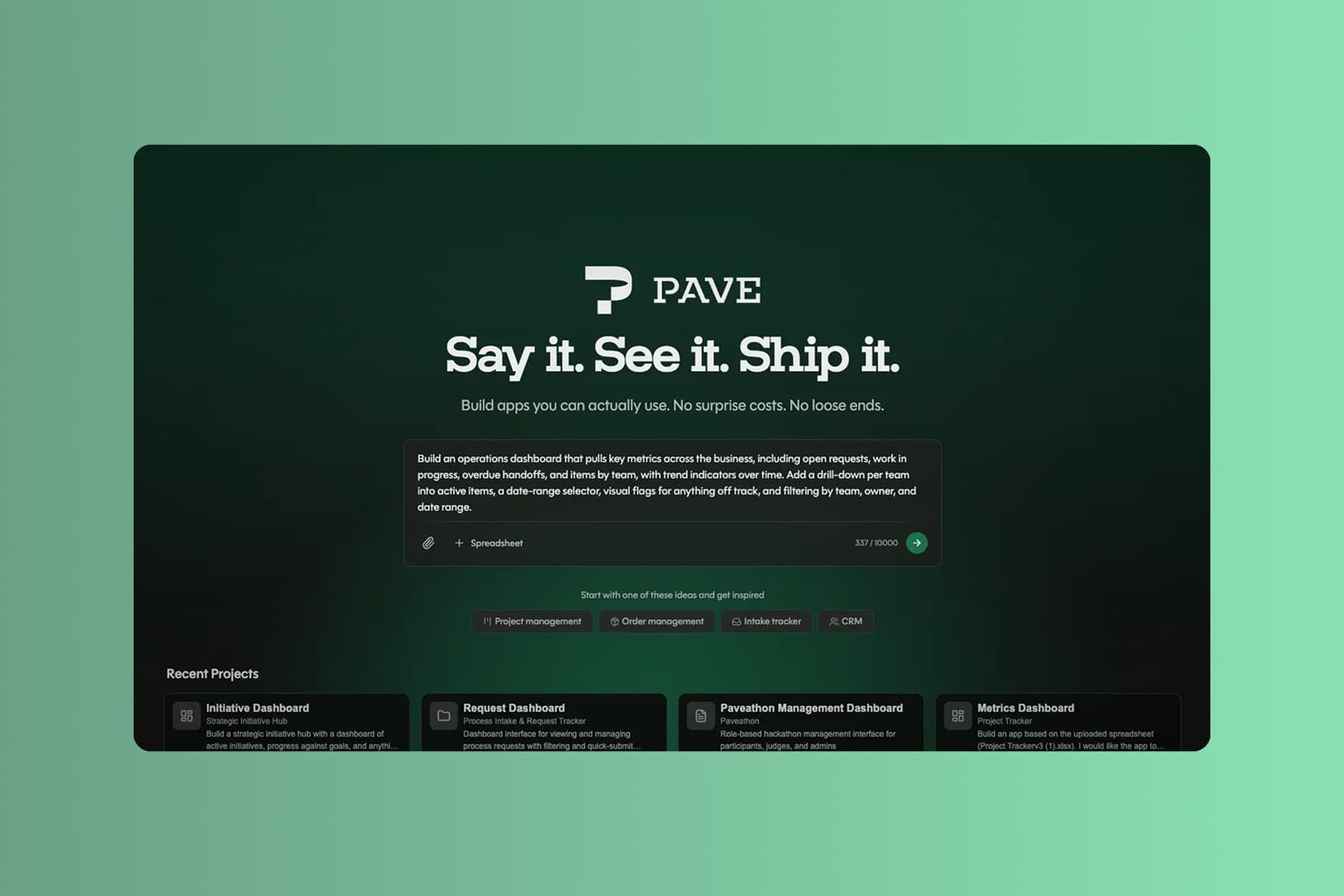
Describe your process
Tell Pave what your operations team needs in plain language. Describe how a request moves through the process, upload supporting context, or start with the data you already track.
Start with wherever the process lives today:
- a text description of the process you want to manage
- a spreadsheet of the requests or tasks you already track
- a PDF intake form, SOP, or policy document
- a process diagram of how work moves between teams
Lay out the teams, the handoffs, and who owns each stage. Pave drafts the system in minutes.
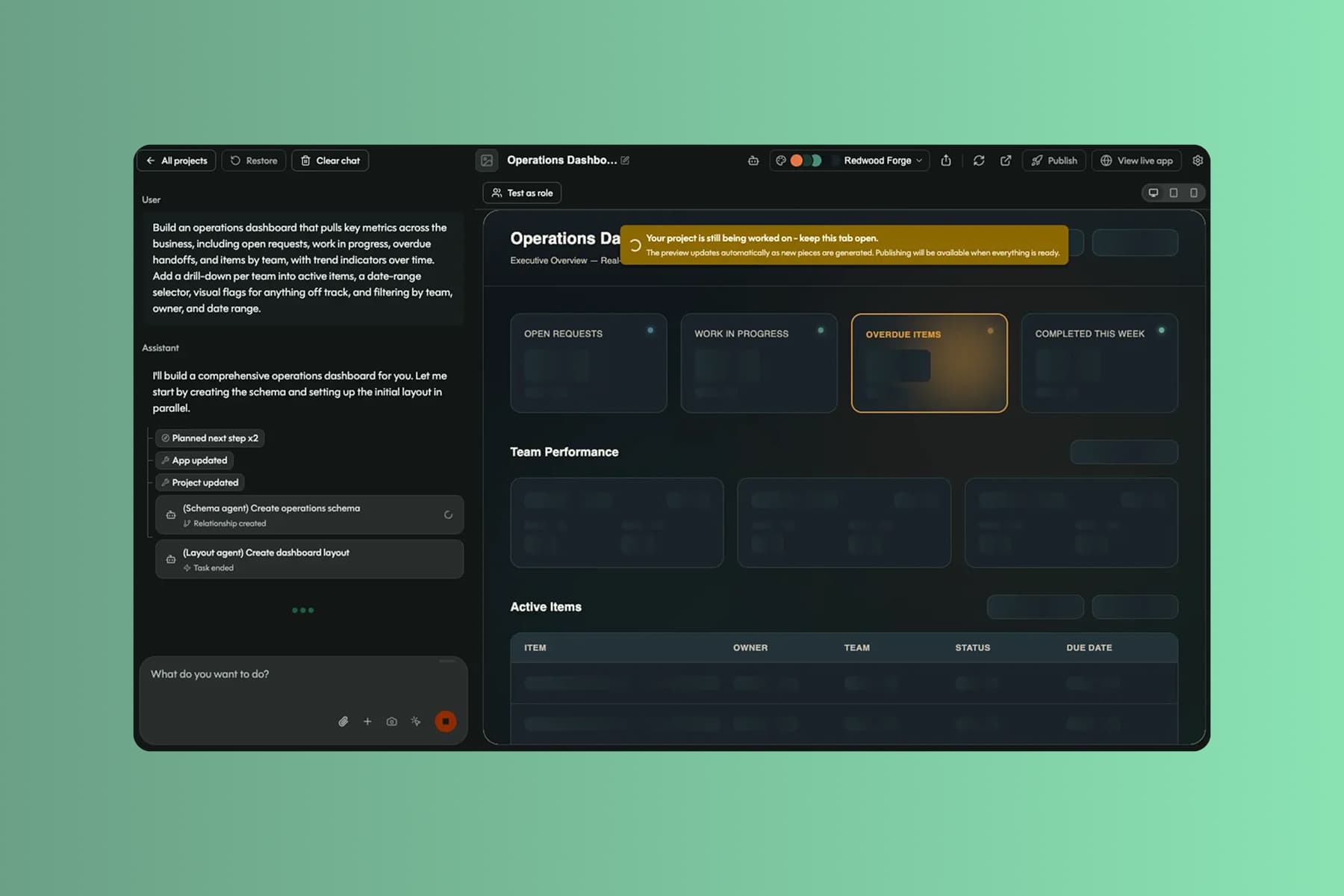
Shape it in your own words
Pave builds a custom operations app in minutes with the core structure already in place. From there you shape it in your own words. Tell Pave what to change, like adding an approval or changing where a request routes, and it makes the edit. No code, no rebuild. If a change doesn't land, roll back to an earlier version.
Your system comes back with:
- linked records for requests, owners, teams, and stages, related the way they actually are
- an operations dashboard, intake forms, and a queue for every team that touches the work
- stage flows, routing rules, and SLA flags that move work without a nudge
- alerts when a request lands, gets assigned, or breaches an SLA
You're working in draft the whole time. Nothing reaches your team until you decide to publish.
Connect the teams
When you're ready, publish the app and connect the teams that run the process. Everyone works from one set of records, with clear ownership at every step.
With the app live, every team can:
- stop losing requests across inboxes and tabs, with one front door for intake
- hand work off without dropping it, with clear ownership at every step
- see what's stuck before it turns into a fire drill
Data, hosting, and deployment are already in place. No database to configure, no extra tools to stitch together, no infrastructure to manage. It's all backed by Quickbase, trusted by 5,000+ companies for more than 25 years.
What operations teams run on Pave
Build apps to manage requests, run processes, and make decisions.

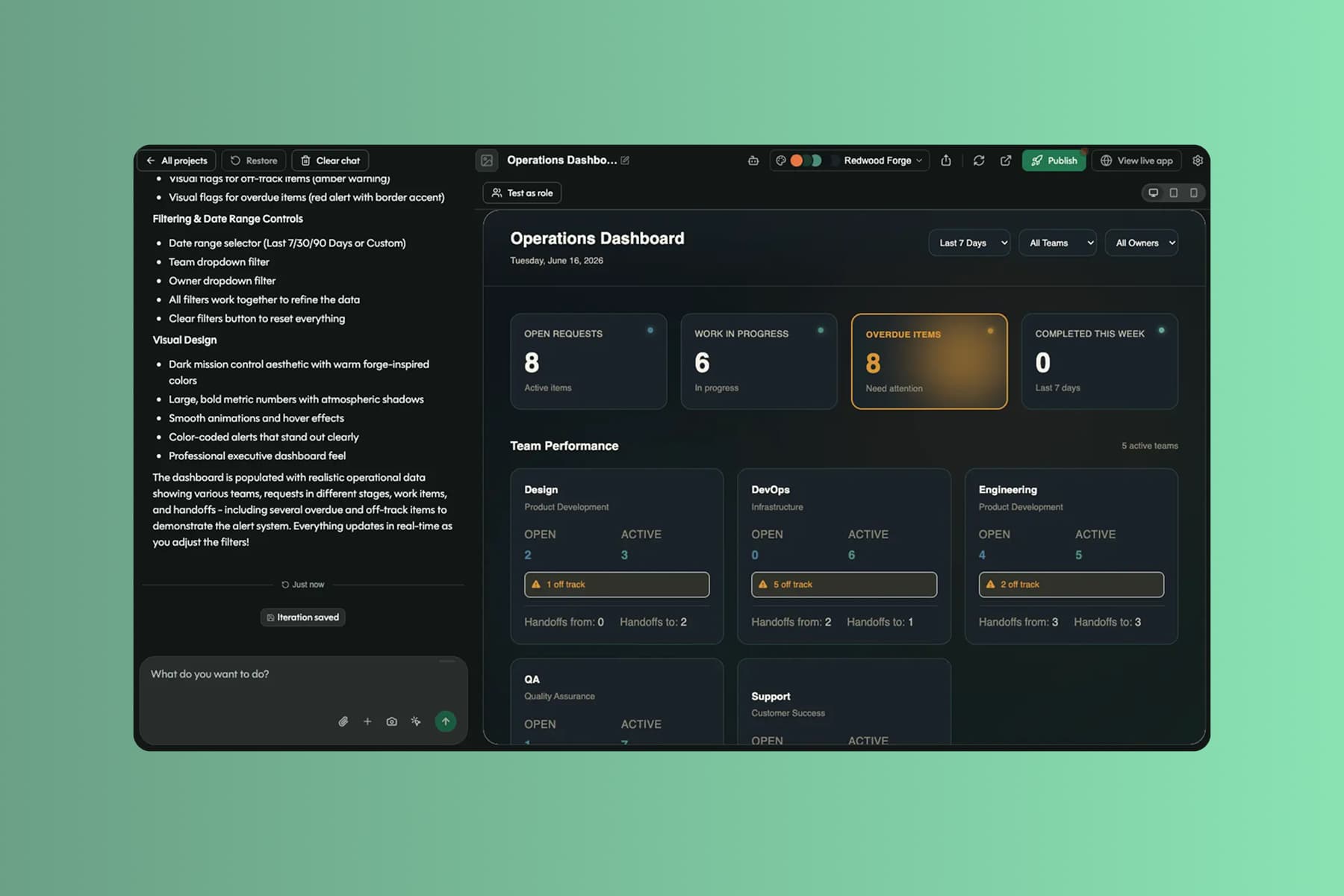
See requests, processes, and initiatives across the business in one view.

Collect, review, assign, and track requests across every team.

Document how work gets done and keep procedures in one place.

Tie day-to-day work to company goals and report on progress.
Expand it as work moves between more teams.
More teams, more handoffs, more requests. The app expands without a rebuild.
Projects
Give each audience its own view of the app, from a team's work queue to a leadership operations dashboard. Each team reads and writes to the same records, no copies, no drift.

Spreadsheet Import
Already running the process in a spreadsheet? Upload it and Pave brings in the structure, the relationships, and the data, so you start from what teams already use.

Notifications
Add email alerts in the builder, or just ask Pave. Notify an owner when a request lands, a manager when an SLA is at risk, or a team on new work.

Direct Edit
Change the app with no prompt required. Click the screen or field you want and adjust it inline. Tweak a process on the fly, fewer credits spent.