Build a custom inventory management app that tracks what you have and what's running low
Describe the stock and supplies your team manages, and Pave builds a working app where every item has a count, a location, and an owner. No code, no developers.
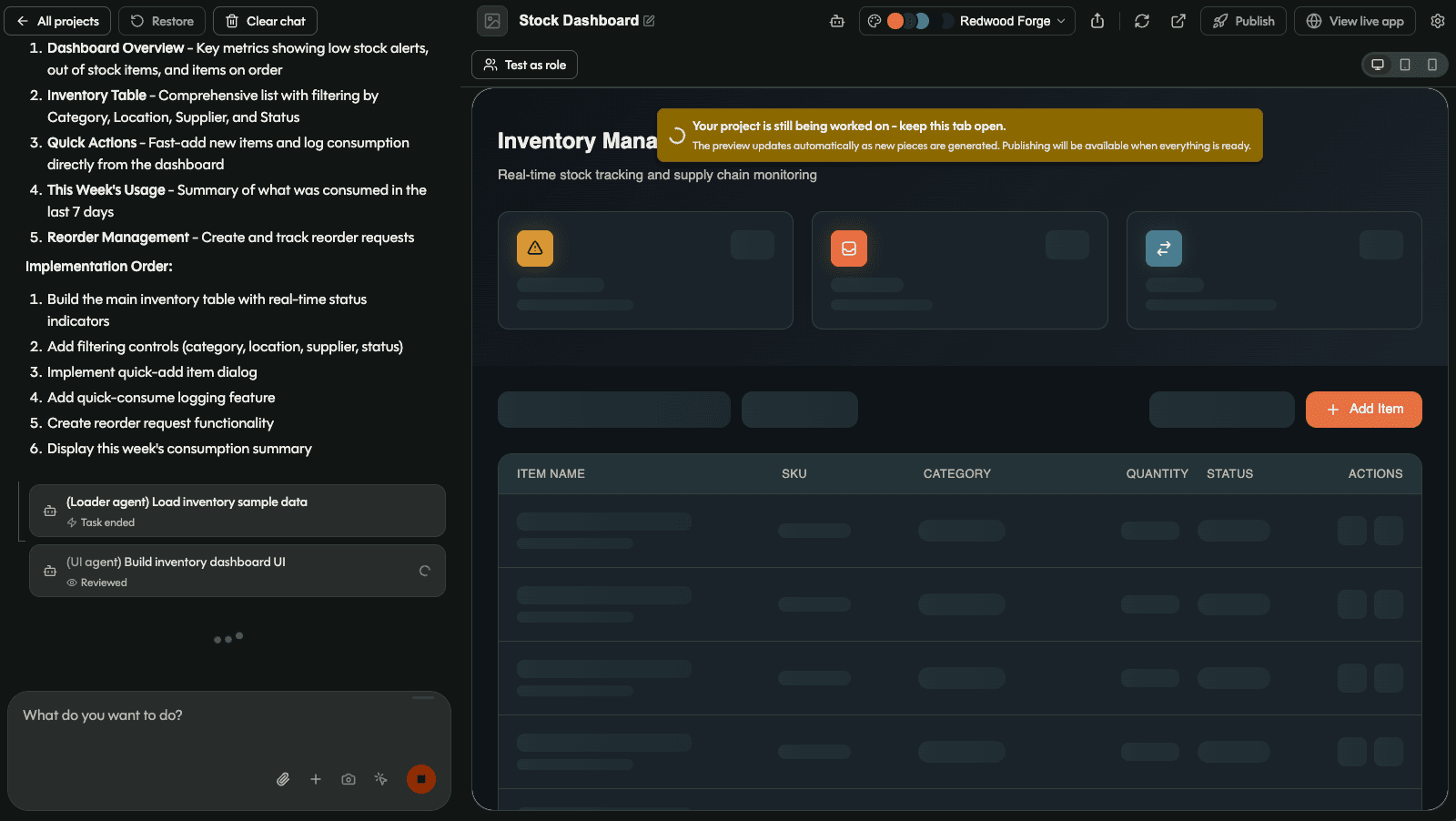
Your team owns the inventory management app, end to end.

You describe it, Pave builds it
Name the items you track and what you keep on each one: quantity, location, category, supplier, owner. Pave turns that into a working app with the records and fields already in place.

Yours to shape
Add a reorder point, split one stockroom into bins, or give the warehouse team its own view: just ask. The app matches how your business moves stock, not a fixed template.
.svg)
Governed from day one
The stockroom team records counts and movements, managers see stock levels and reports, and permissions decide who can adjust a quantity or edit an item. That control is in place from your first item onward.
One builder, every kind of inventory.
Fully customizable. Build the whole thing or the one piece you need most: the same app also handles:
Stockroom inventory
Supplies, materials, and consumables tracked by quantity, location, and owner.

Warehouse inventory
Stock across shelves, bins, and sites, with counts and movement in one place.
Parts and supplies
Service parts, spares, and consumables tracked against the teams that use them.

Equipment checkout
Tools and shared equipment loaned to people, jobs, or sites, checked out and back in.

Retail and product stock
Products, quantities, and reorder points across storefronts or channels.

IT and office supplies
Devices, accessories, and office stock tracked by location and owner.
Your data, hosting, and access, already set up.
Every inventory management app you build on Pave comes with a managed database, hosting, and role-based access in place from the first prompt: no database to build, no servers to run, no separate login tool to add. Item records, counts, and stock movement stay connected and hold up as you add locations, item types, and users, because it runs on Quickbase.

Everything an employee onboarding app needs, built in.
.svg)
Item records
One record per item: quantity on hand, category, location, supplier, and owner in a single place.

Locations and bins
Track where stock lives across warehouses, stockrooms, sites, shelves, or bins, and move items between them.

Stock movement
Log received, issued, transferred, and adjusted stock so on-hand counts stay current as things move.

Counts and reconciliation
Run cycle counts, compare counted against expected, and record the variance and who counted.

Low-stock view
Set a reorder point on each item and see everything below it in one filtered view.

Email notifications
Notify an owner when an item record changes, such as a quantity adjustment or a status update.
From a description to a working inventory app.

Describe what you stock
Tell Pave what you track and how stock moves. Start from a text description, a spreadsheet of your current item list, or an existing stock sheet.

Shape it in your own words
The app comes back with item records, locations, and stock counts connected. Ask it to add a supplier field, track a new item type, or set reorder points by category. Undo a change and return to a version that worked if one misses.

Put it to work
Bring in your team, set who can count, adjust, and edit items, and start tracking stock. Hosting, data, and access are already handled.
Related use cases

.svg)
.svg)


FAQs
Frequently asked questions
What is an inventory management app?
An inventory management app tracks what you have, where it is, and how much is left. Each item has a record with its quantity, location, and reorder point. When stock moves in or out, someone logs it against that record, andthe count reflects what's actually on the shelf.
Can I build my own inventory management app?
Yes. Describe what you stock, where you keep it, and who moves it. Pave builds the item records, the locations, the stock movements, and the permissions. No code, no dev team. Read more about how Pave works.
How is inventory management different from asset tracking?
Inventory is counted, and assets are tracked individually. A box of fifty cable connectors is inventory, so you care about the quantity and when to reorder. The laptop assigned to one person is an asset, so you care about that specific unit, who has it, and its service history. Some teams need both, and you can build them as one app or keep them separate.
What should an inventory management app include?
Most inventory tracking needs a record per item with quantity, unit, location, and reorder point. You also need a way to log stock in and out, as well as the ability to track multiple locations if you hold stock in more than one place. An inventory tracker app should also send you alertsw hen an item drops below its reorder point and provide dashboards showing what's low, what's moving, and what hasn't moved in months.
How does an inventory management app connect to existing systems?
Every Pave plan (even Free) comes with 350+ native connectors. You can connect your stock management app across accounting, communication, document, project, and support systems. Set up a connection once and every workflow reuses it. A low-stock item notifies the person who orders, a purchase updates the count, and usage on a job reaches your accounting tool.
Is the data in my inventory management app secure?
Yes. Pave offers role-based access, credentials stay encrypted, connections run server-side, and every change waits behind a draft-to-publish gate. Your IT team sees all of it in one place, on a foundation trusted by enterprises for over 25 years. Learn more about Pave's security and compliance.