Run your IT ops on apps built to fit.
Every request tracked, every asset accounted for. Build what IT needs without code, but with governance.
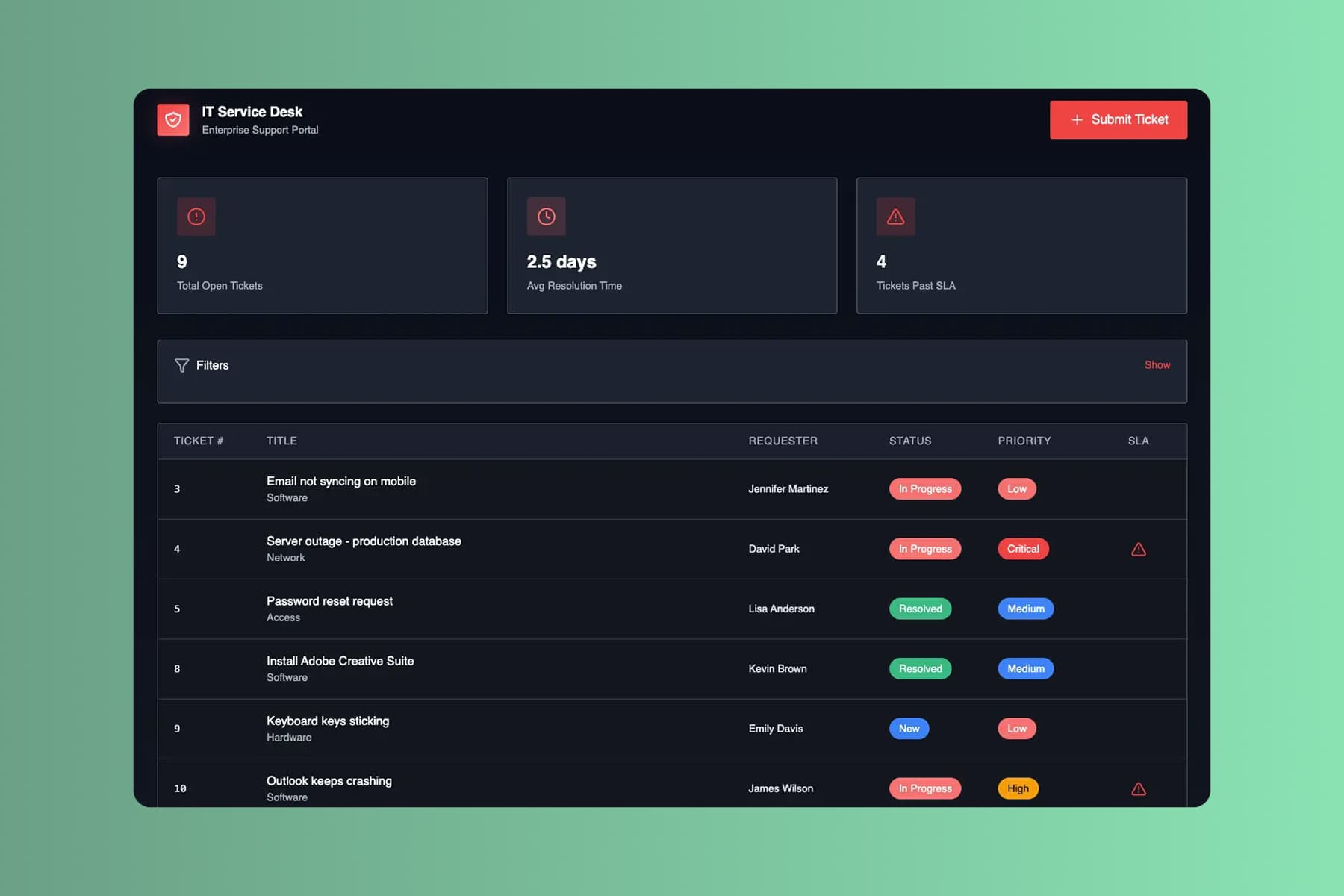
From prompt to a live help desk app. Before Monday's ticket flood.
Start with requests piling up in your inbox. Minutes later, your whole team works tickets from one queue.
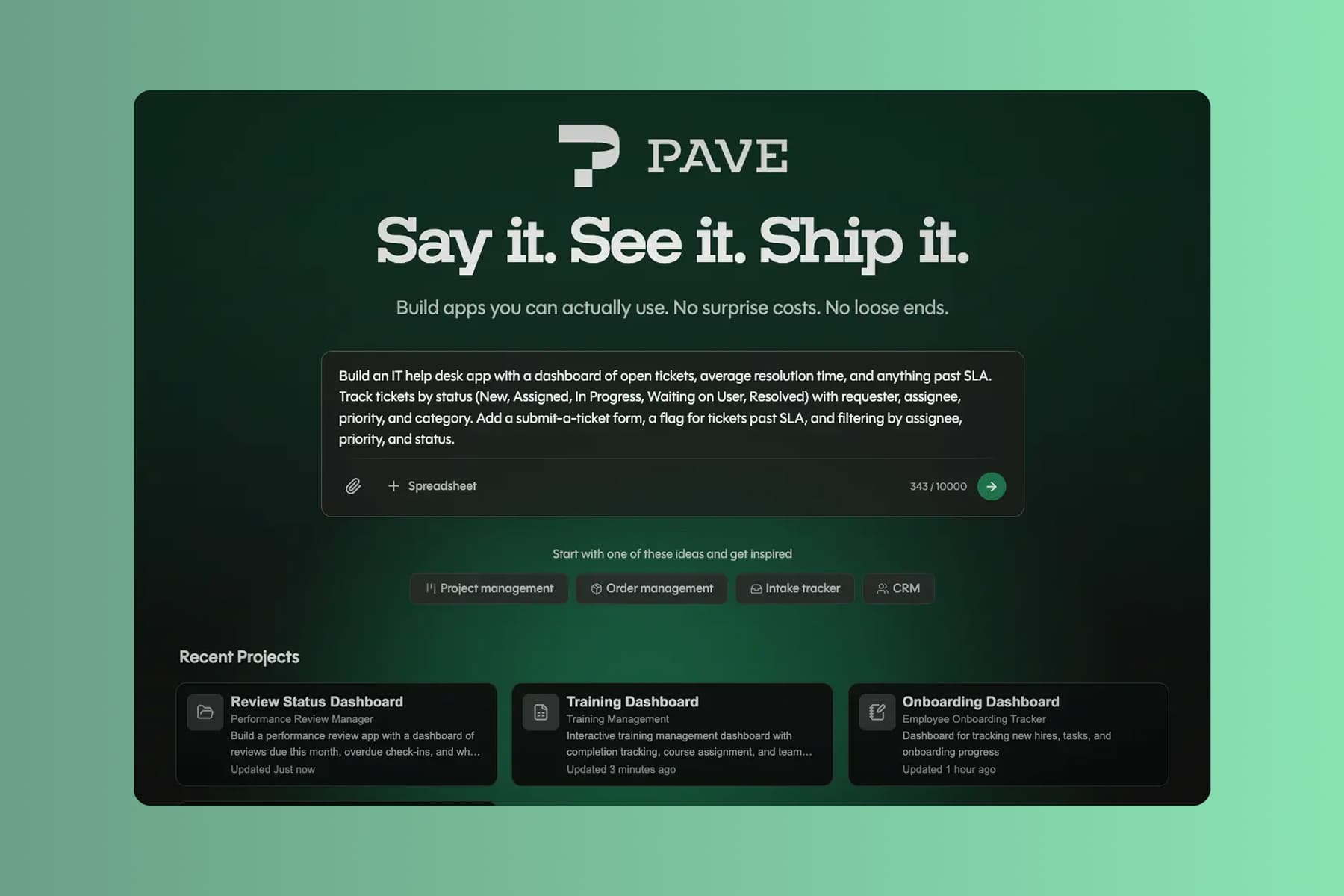
Describe your ticket flow
Tell Pave what your IT team needs in plain language. Describe how a request moves from open to resolved, upload supporting context, or start with the data you already keep.
Start with whatever you track tickets and assets in today:
- a text description of the tickets and assets you manage
- a spreadsheet of open requests or hardware you already track
- a PDF intake form, SLA policy, or asset list
- a process diagram of how a request moves from open to resolved
Spell out your priorities, your SLAs, and who owns each step. Pave drafts the app in minutes.
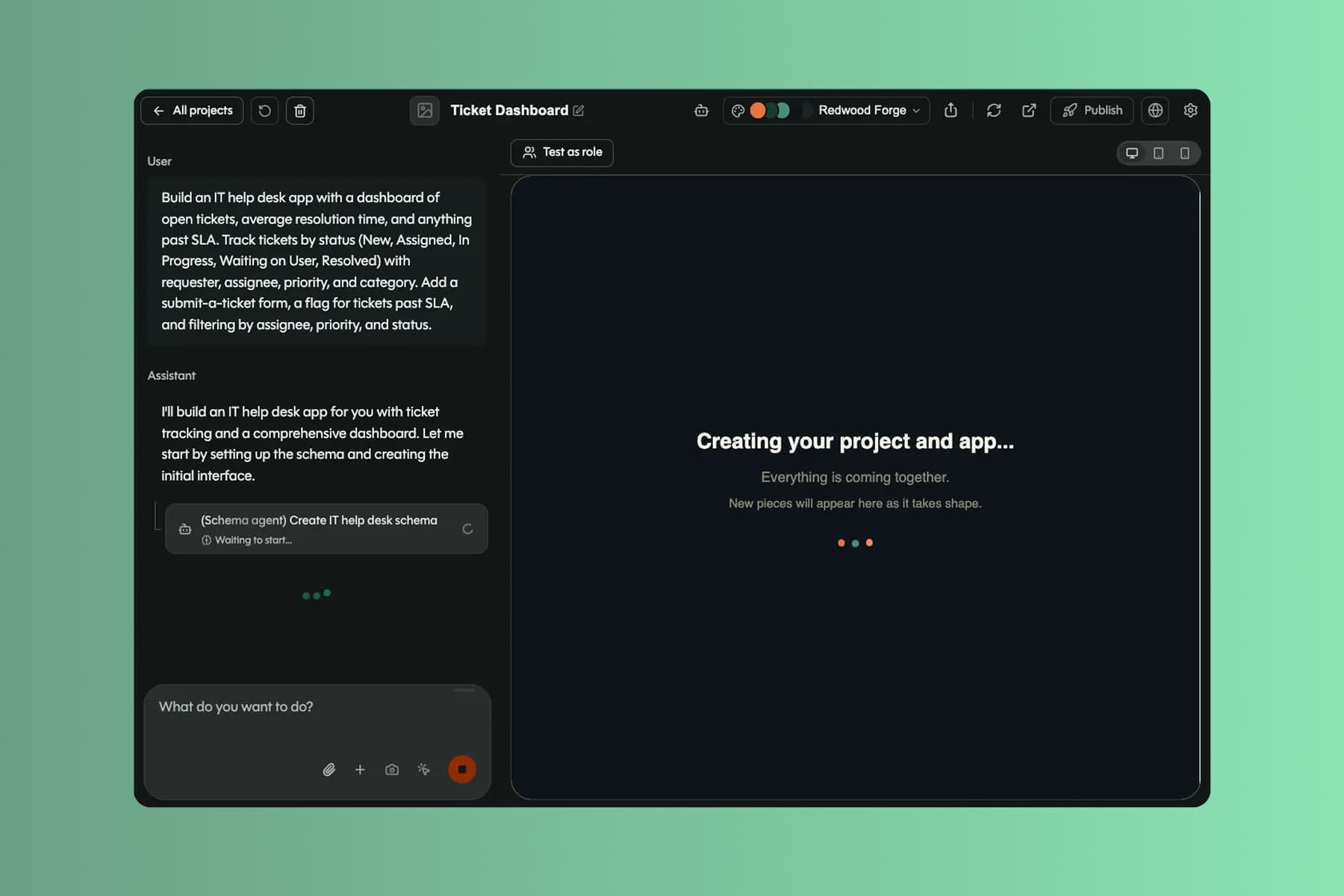
Shape it in your own words
Pave builds a custom IT app in minutes with the core structure already in place. From there you shape it in your own words. Tell Pave what to change, like adding an SLA or changing who a ticket routes to, and it makes the edit. No code, no rebuild. If a change doesn't land, roll back to an earlier version.1
Your IT app comes back with:
- linked records for tickets, assets, users, and changes, related the way they actually are
- a triage queue, an asset inventory, and a clean intake form your requesters can use
- priority rules, SLA timers, and assignment routing that fire on their own
- alerts when a ticket is assigned, an SLA is about to breach, or a change is approved
You're working in draft the whole time. Nothing reaches your team until you decide to publish.
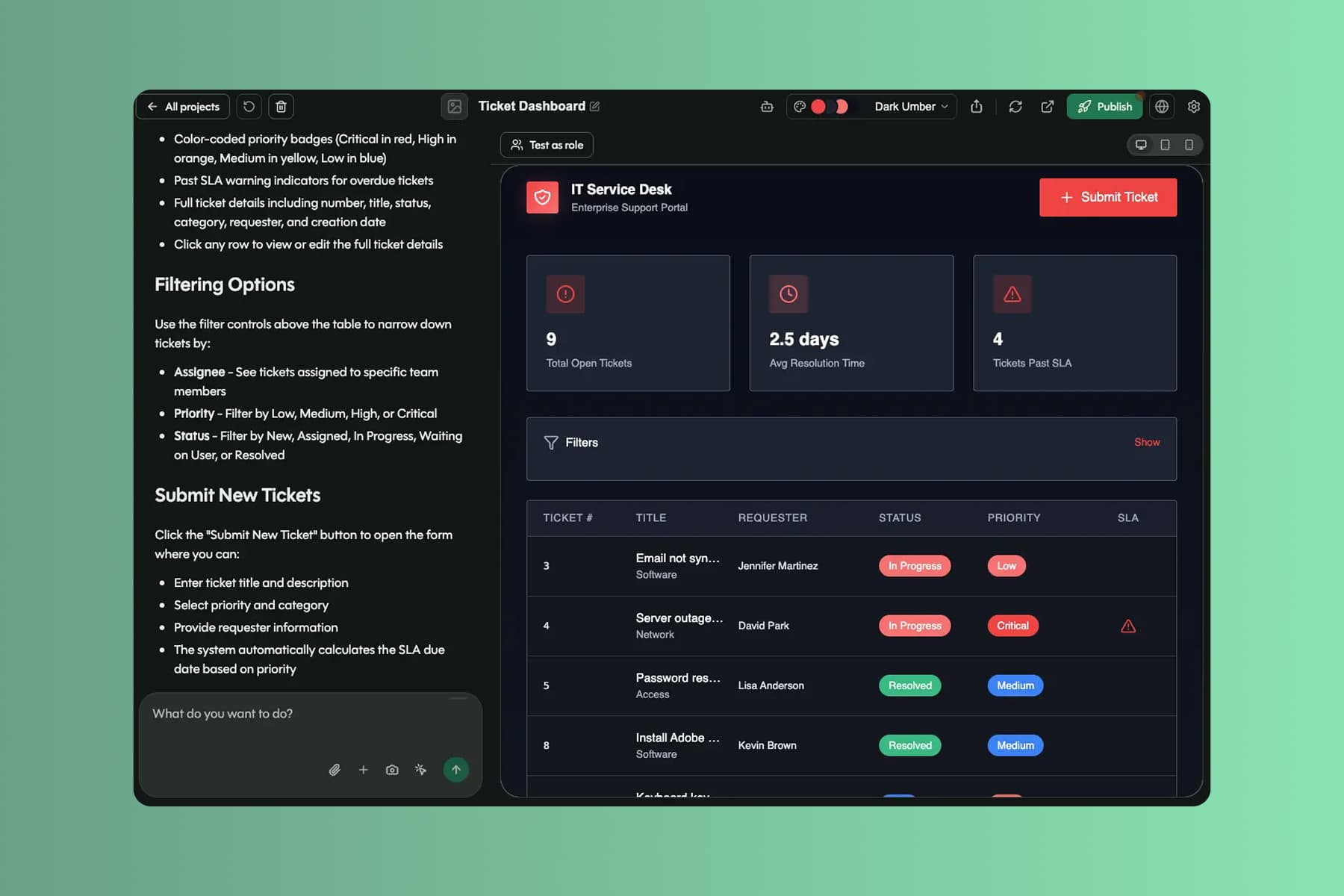
Roll it out to your team
When you're ready, publish the app and roll it out to your team. Requesters, agents, and admins all work from the same live queue.
With the app live, your IT team can:
- stop triaging out of an inbox, working every request from one queue
- know what you own and who has it without chasing a spreadsheet
- close tickets faster, with SLAs and owners tracked for you
Data, hosting, and deployment are already in place. No database to configure, no extra tools to stitch together, no infrastructure to manage. It's all backed by Quickbase, trusted by 5,000+ companies for more than 25 years.
What IT teams run on Pave
Build apps that keep IT running, from the help desk to the asset closet.

Track requests from open to resolved by priority, owner, and SLA.

Know what hardware and software you own, who has it, and what's due.

Log, review, and approve changes with a clear record of who signed off.

Route access and provisioning requests to the right approver, every time.
Grow it as IT takes on more.
New tools, new teams, new tickets. The app keeps up without a rebuild.

Projects
Give each audience its own view of the app, from an agent's ticket queue to a CIO's service dashboard. One set of records underneath, so a status only ever changes in one place.

User Management
See every user across your IT apps in one place. Invite agents and requesters, change roles, and manage app-level access without standing up another tool.

Notifications
Add email alerts in the builder, or just ask Pave. Notify an agent on assignment, a manager on an SLA breach, or a requester when their ticket closes.

Roles, permissions, and SSO
Control who sees and changes what with role-based permissions, then put sign-in behind your SSO. The governance IT signs off on, built in.