See what’s happening, where it’s happening
View and manage multiple locations on a live map, so teams can spot patterns, plan routes, and act with confidence using data from Quickbase.
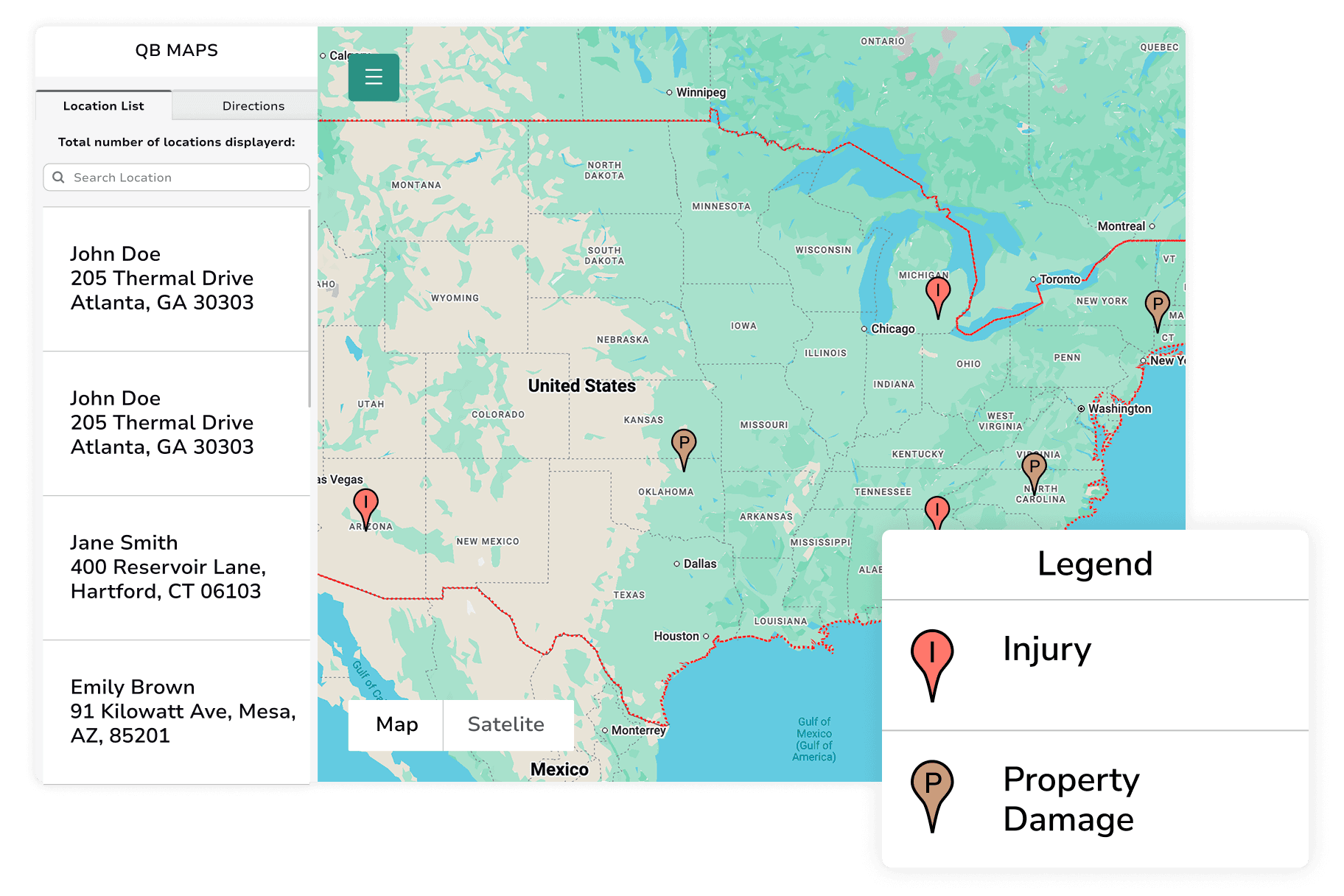
Location clarity at a glance
Understand coverage, proximity, and status without digging through tables.

See locations from multiple sources in one place
View and manage locations from one or many Quickbase tables on a single map, giving you a complete picture at a glance.

Find what’s nearby, fast
Select locations by radius or shape to quickly identify sites, assets, or jobs within a specific area.

Make location status easy to understand
Customize pins by color, label or symbol so patters and conditions stand out instantly.
Built for real-world navigation

Use custom legends for clear reference
Define your own legends so map symbols and colors mean exactly what your team expects.
.svg)
Get distance and turn-by-turn directions
Calculate distance and step-by-step routes between locations to support planning and dispatch.
.png&w=256&q=75)
Open routes directly into Google Maps
Hand off navigation seamlessly for driving directions in the field.
.svg)
See your current location in context
View your position alongside jobs, assets, or sites—so decisions account for what’s closest.

Choose which record details appear on the map
Show the fields that matter from each Quickbase record, keeping the map informative without clutter.
Common Use Cases
- Job Site Assignment
- Live Directions for Drivers
- Sales Territory Management
- Property Status Management
- Shipment Progress Visualization
- Electric Pole Status Management

When location drives communication
Turn location insight into timely updates by texting or emailing the people who need to know.
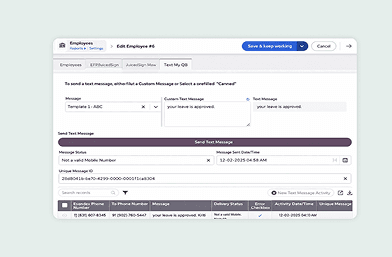
Text My Quickbase
Send location-based updates by text, so customers get shipment alerts or field teams get notified in real time.
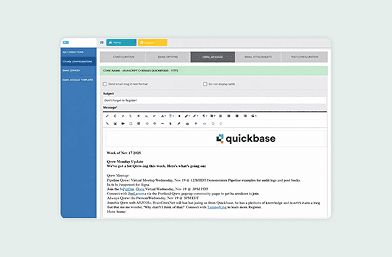
Courier
Email customers or employees when work is completed or status changes, using location data to trigger the right message.