Send the right email at the right moment
Trigger notifications, reminders, and updates directly from Quickbase, so messages go out automatically and nothing gets missed.
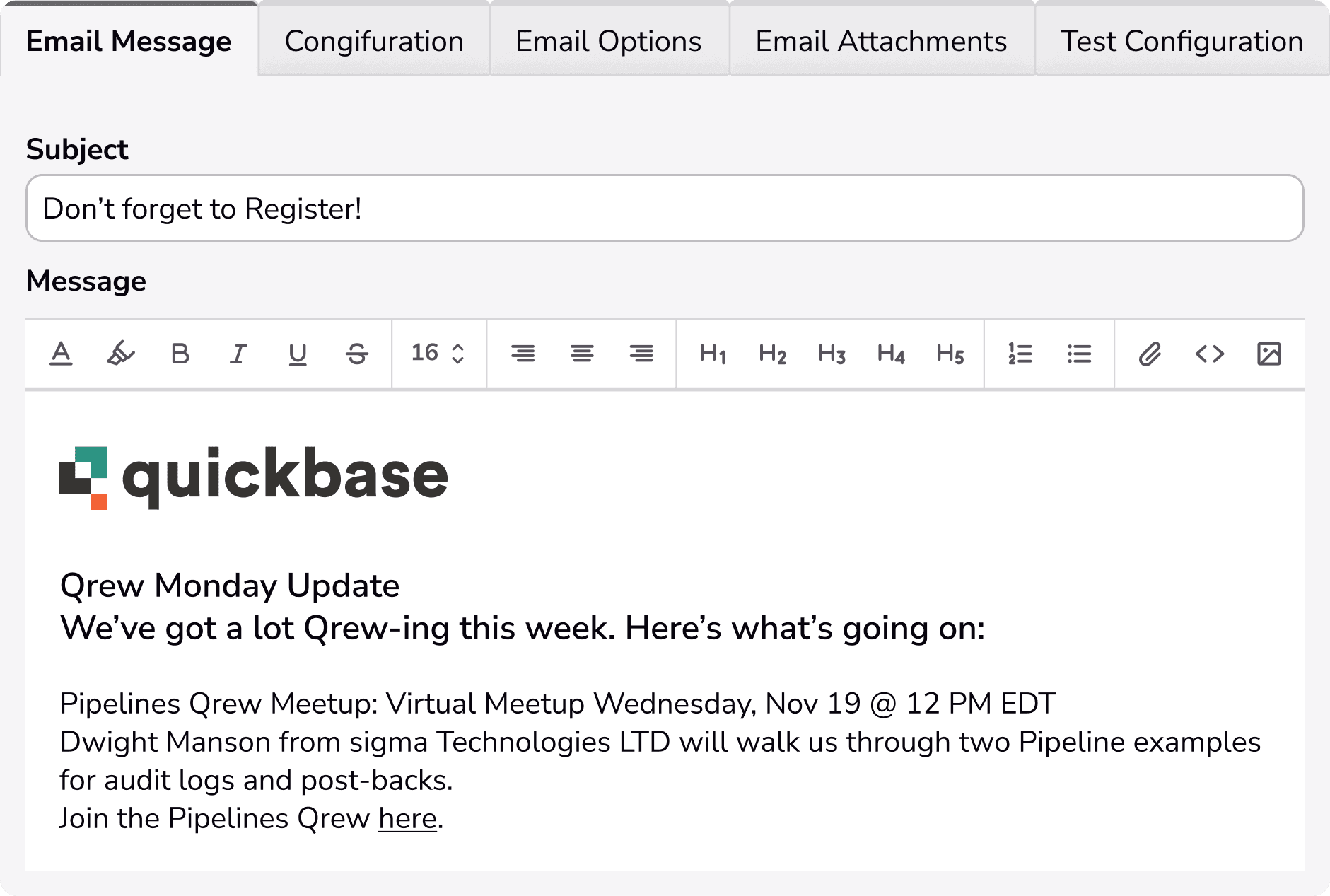
Email that keeps work on track
Set up, send, and manage workflow emails with control and confidence.
.svg)
Use your own email server
Send messages through your existing email infrastructure, so deliverability, trust, and control stay in your hands.

Simplified setup and management
Automate emails with low-code tools that fit directly into your workflows, without heavy configuration or ongoing upkeep.
.png&w=256&q=75)
Build emails with drag-and-drop ease
Create messages by dragging data from your app into templates, so emails stay accurate, consistent, and quick to assemble.
Built for reliable communication

Reach users and non-users
Send emails to anyone involved—inside or outside Quickbase—so updates don’t stop at login boundaries.

Attach file from where your data lives
Include files from Quickbase or Amazon S3, keeping messages complete without manual downloads or re-uploads.

Put live data directly in the message
Enable tables or subtables in the email body, so recipients see the details they need without opening another system.

Control where replies go
Use your own “Reply To” address, keeping conversations routed to the right inbox or team.

See a full history of every message
Log all email activity automatically, giving you a clear record of what was sent, when, and to whom.
Email Delivery Options
- Triggered – Emails can be sent out based upon a triggering event from your table.
- On-Demand – Send Emails with a button click using custom filters.
- Scheduled – Send Emails daily, weekly, or monthly with filtered reports and timing options.
.jpg&w=3840&q=75)
Where emails get their content
Generate files from live data, then send them automatically. No manual attachments or extra steps.
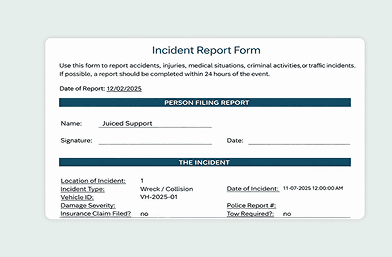
Exact Forms Plus
Create Word and PDF documents from your data, then email them automatically to stakeholders as part of the workflow.
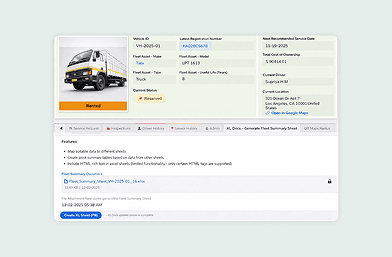
XL Docs
Generate spreadsheets like payroll, inventory, and expense reports, then send them by email without exporting or re-uploading files.