A faster way to allocate work, adjust schedules, and keep operations moving
Scheduling work often means juggling jobs, people, skills, availability, and priorities across spreadsheets or disconnected tools. That’s where Smart Scheduling comes in to help. Available on Quickbase Business and Enterprise plans, Smart Scheduling helps operations teams assign the right work to the right people faster in one Quickbase workspace.
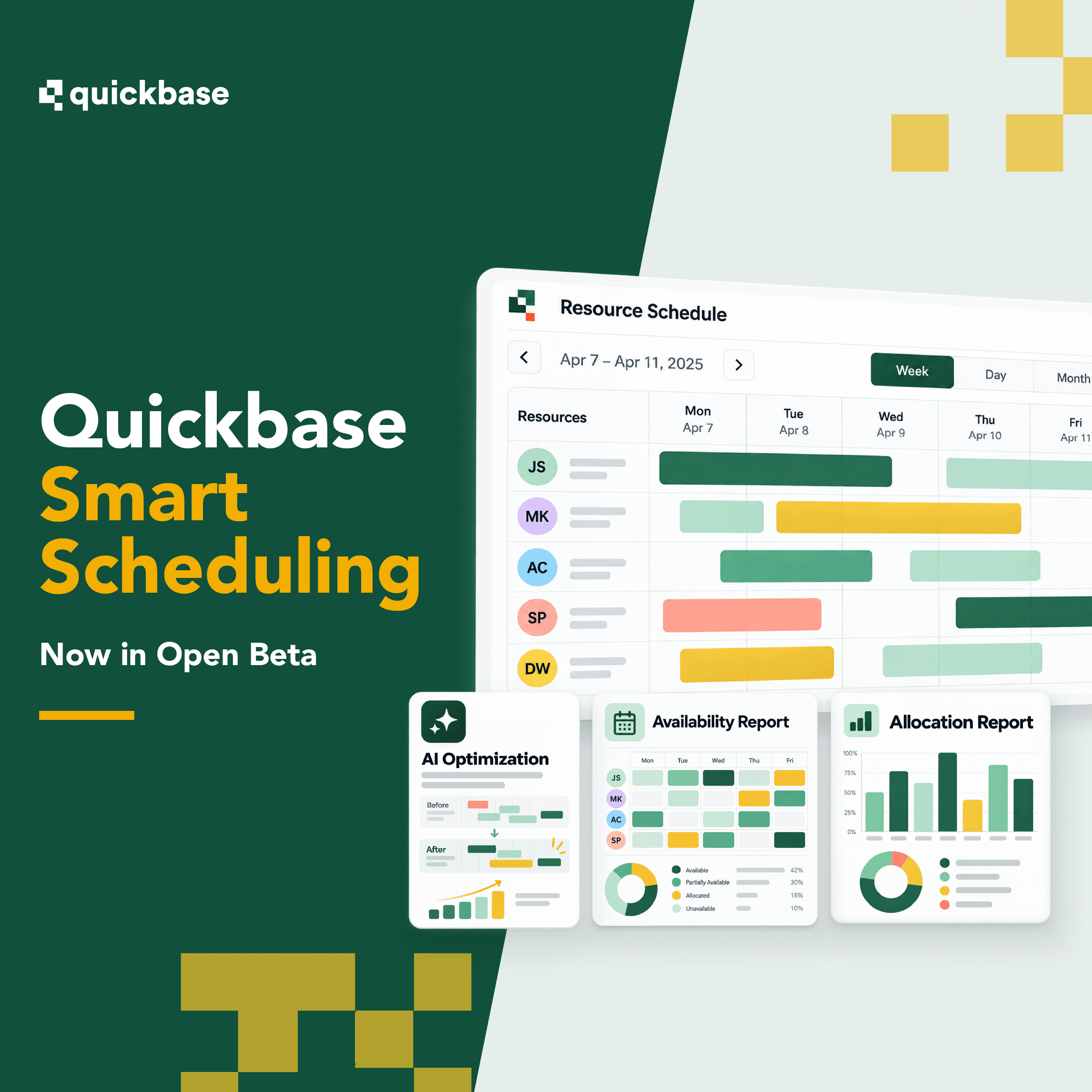
Build a stronger schedule in three steps

See the full picture
View work, resources, availability, and assignments together.

Generate recommendations
Use AI to recommend assignments based on the data and operating constraints in your Quickbase app.

Review and adjust
Move assignments visually, make changes, and save when the schedule is ready.
Keep scheduling connected to the work
Smart Scheduling helps teams:
- Spend less time coordinating schedules by hand
- Make more consistent assignments based on availability and qualifications
- Balance workloads across available resources
- Respond faster when plans change, while keeping scheduling connected to operational data already in Quickbase
Best for:
Teams managing service calls, work orders, maintenance, inspections, field operations, and project-based resource assignments.
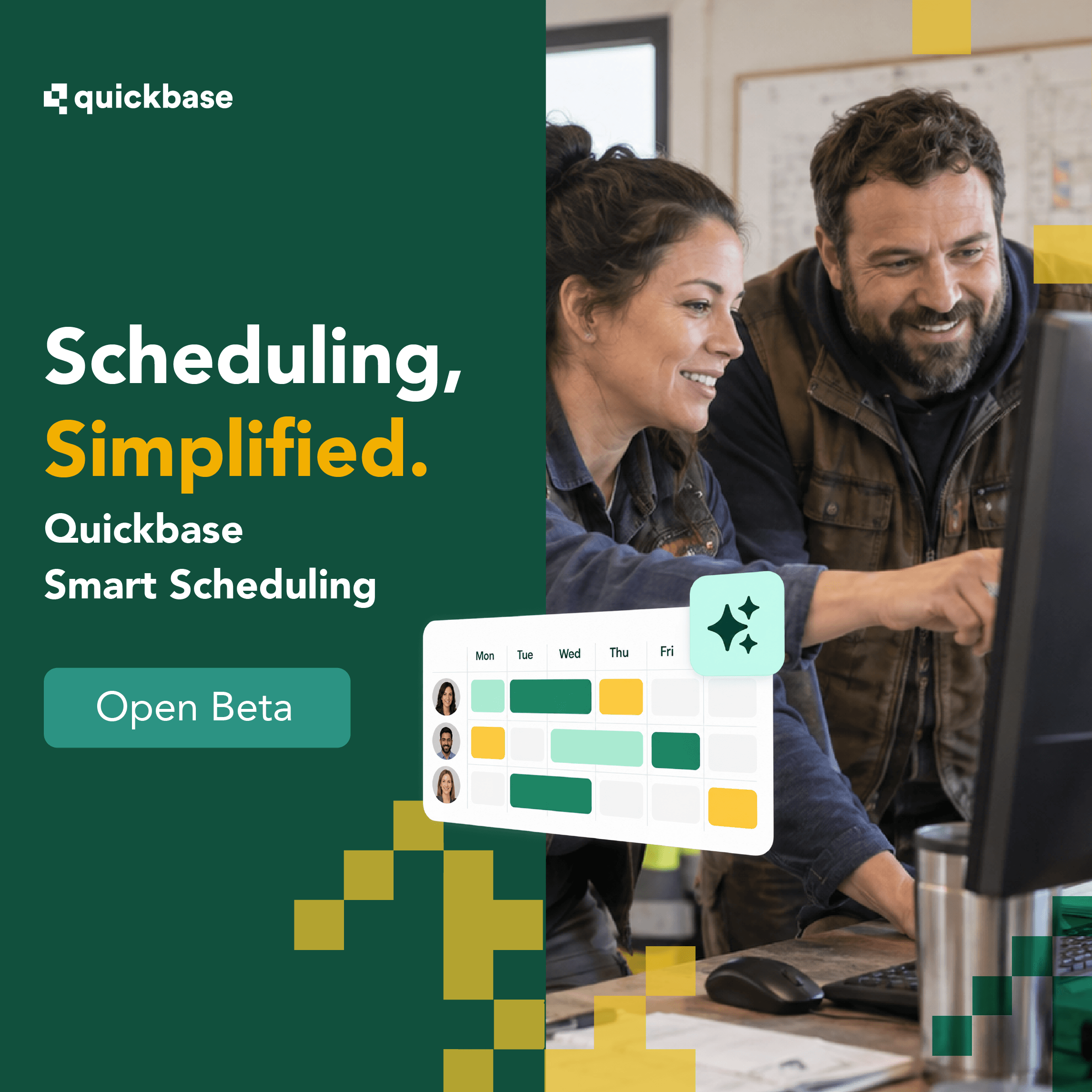
Smart Scheduling: 2 new reports + AI optimization
Smart Scheduling consists of scheduling reports (availability and allocation) and AI optimization to help operations teams assign the right work to the right people faster in one Quickbase workspace.
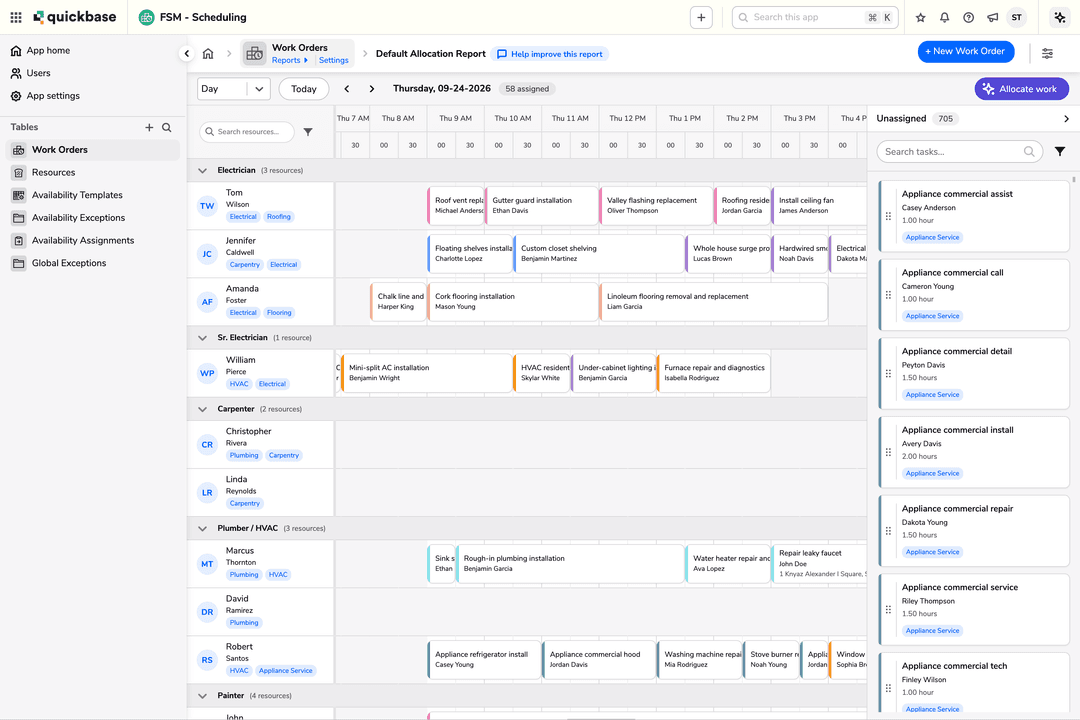
Allocation Report
Connect two tables: the work you need to schedule (ie. tasks or work orders) and the resources (ie. people or equipment) who will do the work.
Availability Report
Track when your resources are free to work, so you can see it alongside their assigned work.
AI Optimization
Optimize availability, skills matching, and cost optimization. When allocating work, you will select an optimization goal – maximize resource allocation, fair distribution, or minimize cost.
FAQ
Frequently Asked Questions
How do allocation and availability reports work together?
You may only have one availability report per app. Once it exists, connect it to your allocation report (see help doc for additional details).
Availability now appears on the allocation report: white space shows when a resource is available to work, and gray space shows when they're not. Use this to see at a glance where you can drop a task, or let Allocate work take availability into account automatically.
Do I have to use the AI optimization?
No, you do not have to use the AI optimization and can assign work to a resource manually through a drag and drop functionality.
What is an allocation report?
An allocation report connects two tables: the work you need to schedule (ie. tasks or work orders) and the resources (ie. people or equipment) who will do the work.
What is an availability report?
An availability report tracks when your resources are free to work, so you can see it alongside their assigned work.
What can I use AI optimization for?
You can use AI optimization to optimize availability, skills matching, and cost optimization. When allocating work, you will select an optimization goal – maximize resource allocation, fair distribution, or minimize cost.