11 Prompts to Build Field-Ready Forms Your Crews Can Use Today
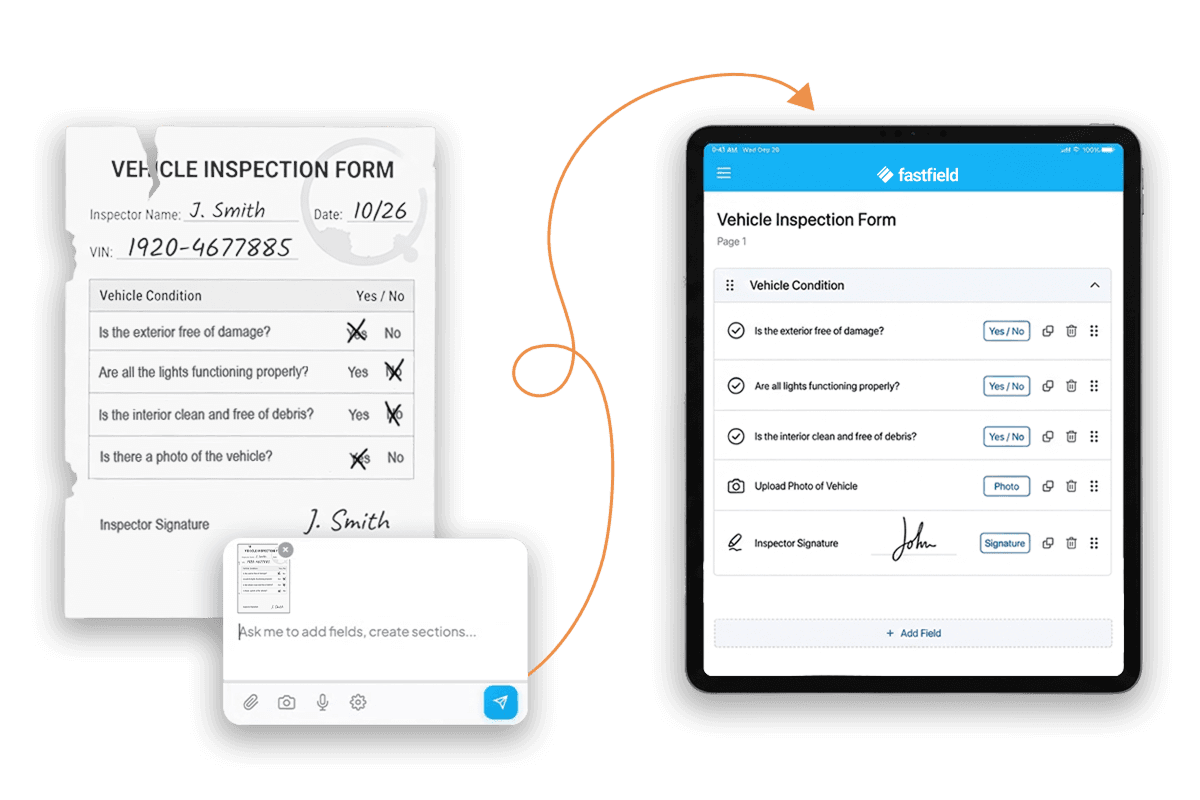
Most teams lose hours creating paper reports or wrestling with digital inspection forms in tools that don't adjust to the job.
Now, you're minutes away from building a custom form, ready for the field.
FastField just launched the AI Form Builder. And it's available on all plans.
How does it work?
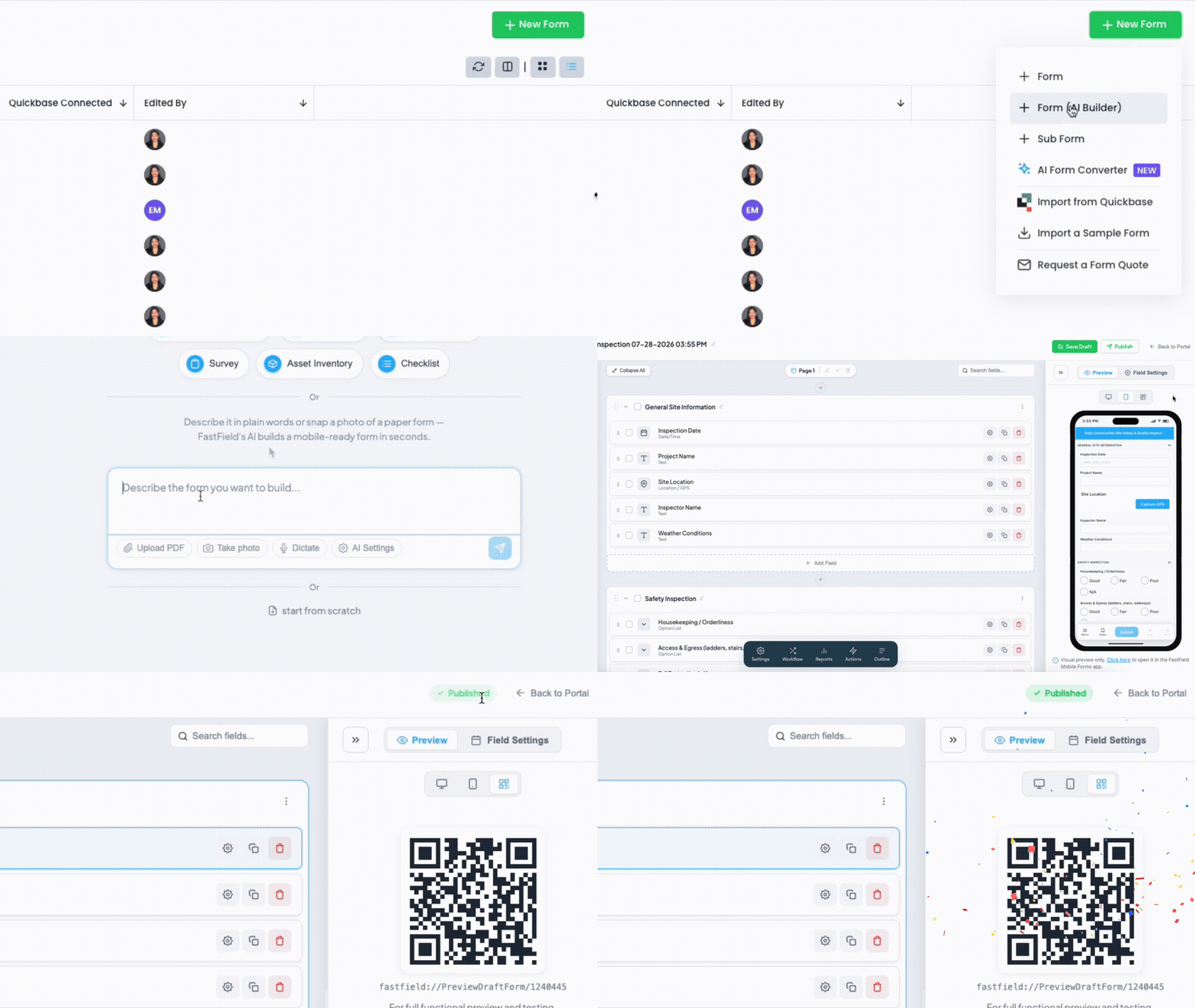
Describe what you need, out loud or in writing, and get a working form. You can also snap a photo of a form you already use, upload a spreadsheet or PDF, or start from a drawing on a napkin.
We've put together 11 prompts to get you started.
Look through the list below for a form your team could use. Copy the description, open FastField, and paste it to build the form. Want changes? Ask for them in plain language, and they'll update live.
If you'd rather recreate one of your existing forms, you can do that, too. Snap a photo of the form, or upload a PDF, and watch it come to life in FastField.
Let's see what you can build.
Construction
1. Scaffold Check
A scaffold tag means little without evidence. This form gives you a photo, location, and signature attached to every inspection.
Prompt: Build a daily scaffold inspection form with a checklist for base, planking, guardrails, tie-ins, and load rating. List three options available for each item: "pass," "fail," or "NA." Include a green/yellow/red tag result, a required photo of the tag, GPS location, and a signature. Make a corrective action section to fill out when the tag result is yellow or red.
2. Punch List / Job Close-Out Report
The last 10% of a project can take 90% of the time when ownership gets blurry. A photo of every completed task, and a clear owner on every open issue, tells you exactly who's responsible for what.
Prompt: Build a punch list and close-out form. Require a verification photo when an item is marked complete, as well as contractor and owner sign-off signatures. Include a repeatable section for problems spotted: description, trade responsible, priority, and photo.
EHS
3. Site Safety Walk
A safety walk that takes an hour won't get done. This form lets users simply submit a photo and a corrective action owner when something is wrong.
Prompt: Build a site safety walk form with a compliant/non-compliant checklist for PPE, housekeeping, fall protection, electrical safety, fire extinguishers, and machine guarding. When an item is marked non-compliant, require a photo capture and box for a corrective action owner's name. Make it mandatory for the person conducting the walk to sign off.
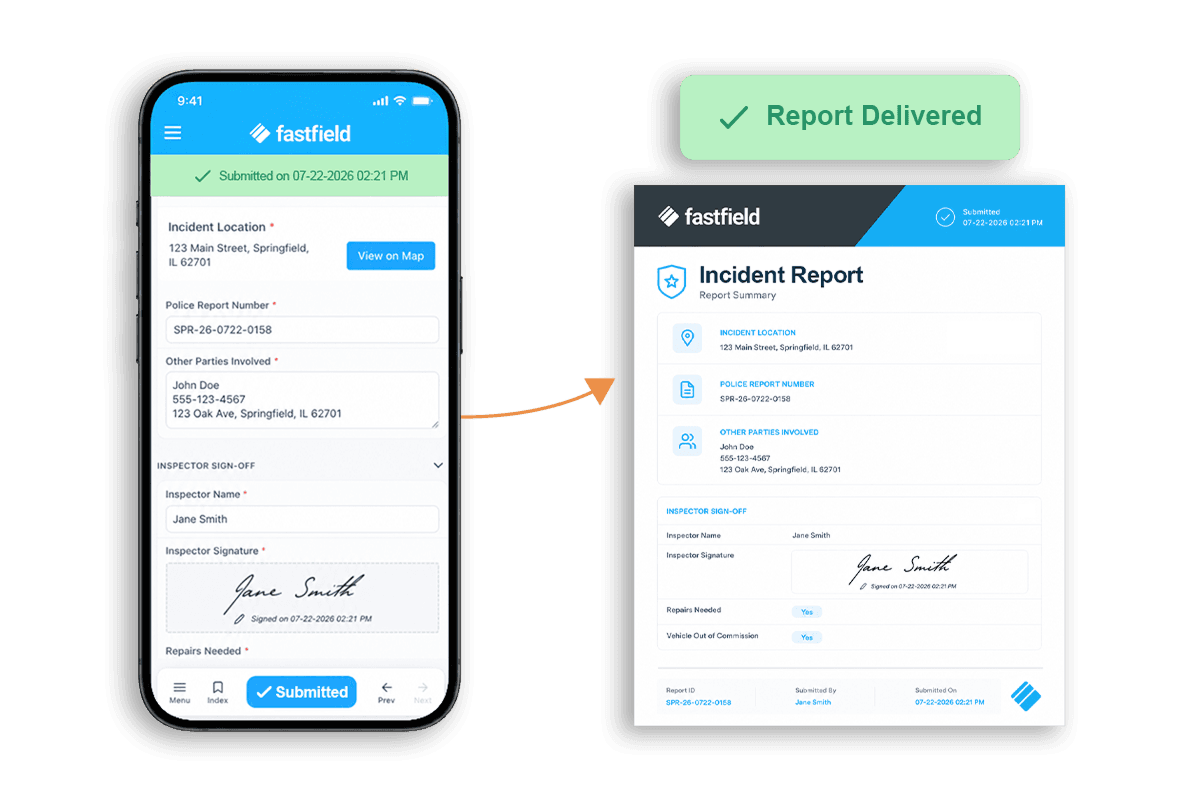
4. Incident Report
The details that matter most in an incident report are the ones people forget first under stress: exact location, who was present, what the scene looked like. With easy data capture, you won't get caught chasing that information a week later.
Prompt: Build an incident report form capturing date, location, people involved, incident type, description, and root cause, with required photos of the scene. Include an OSHA recordable toggle, a corrective action field, and signatures from the reporter and supervisor.
5. Permit-to-Work
A permit-to-work is only as good as the evidence behind it. This form captures a photo of the work area, gas readings for confined space, and signatures from both the issuer and the requestor.
Prompt: Build a permit-to-work form for hot work, confined space, or working at height, with a hazard checklist and required precautions (isolation, fire watch, gas testing, standby person) that must all be checked before the permit can be issued. Require a photo of the work area, gas readings for confined space, and signatures from the issuer and requestor.
Logistics
6. Vehicle Pre-Trip Inspection
A pre-trip inspection on paper is easy to rush. A digital inspection form with a required photo and severity rating for every item is harder to skip, and easier to defend if something comes up later.
Prompt: Build a DOT-style pre-trip vehicle inspection form covering engine, cab, exterior, tires, and brakes. Give each inspection item a satisfactory/needs-repair option. Require a photo and a severity rating for each item. Add required fields for driver name, unit number, odometer, and GPS.
7. Delivery Receipt
Disputes over what showed up, and in what shape, are expensive and slow to resolve. A photo of the goods, the slip, and a signature at the moment of delivery settle most issues before they start.
Prompt: Build a delivery receipt form with delivery number, GPS location, and item/quantity fields, plus a condition-on-arrival dropdown. Require a photo of the delivered goods, a photo of the packing slip, and a recipient signature.
Facilities
8. Equipment Maintenance Log
This log captures the full repair story, from what broke to what fixed it. You get a complete maintenance history instead of a stack of work orders collecting dust.
Prompt: Build an equipment maintenance log for a technician documenting a repair, including asset ID, issue description, root cause, parts used, labor hours, before/after photos, and downtime start/end. Require a technician signature and a supervisor sign-off if the equipment isn't fully operational after repair.
9. Preventive Maintenance Checklist
Preventive maintenance only works if it happens on schedule and gets documented the same way every time. Connect the checklist to the asset and the frequency, and the same job gets checked the same way, no matter who's on the route.
Prompt: Build a preventive maintenance checklist tied to asset ID and PM frequency, with a task checklist, readings/measurements, parts replaced, and an overall condition rating. Require a photo and a technician signature.
Manufacturing
10. Quality Control Checklist
A failed item without a photo and a disposition leaves you vulnerable to complaints. This checklist captures both at the point of inspection, tied to the batch and line where it happened.
Prompt: Build a production line QC checklist with pass/fail options for dimensions, surface finish, labeling, and assembly, tied to batch number, line, and inspector. Include photo capture for failed items. Require a disposition selection for failed items and an inspector signature.
11. Asset Audit
Asset registers drift from reality the moment nobody checks them. A repeatable section built to scan, capture photos, and compare expected location against actual location turns an annual headache into a simple walk-through.
Prompt: Build an asset audit form with a repeatable section, including asset ID, expected vs. actual location, condition rating, and serial number (use serial scanner). Require a photo of each asset and its tag.
Build the Next One Yourself
These prompts cover a few of the inspections, checklists, and reports that may come up in your day-to-day.
But the list is far from exhaustive.
Whatever your team needs next, describe it in FastField's field inspection form builder, and it'll be ready before your coffee's cold.