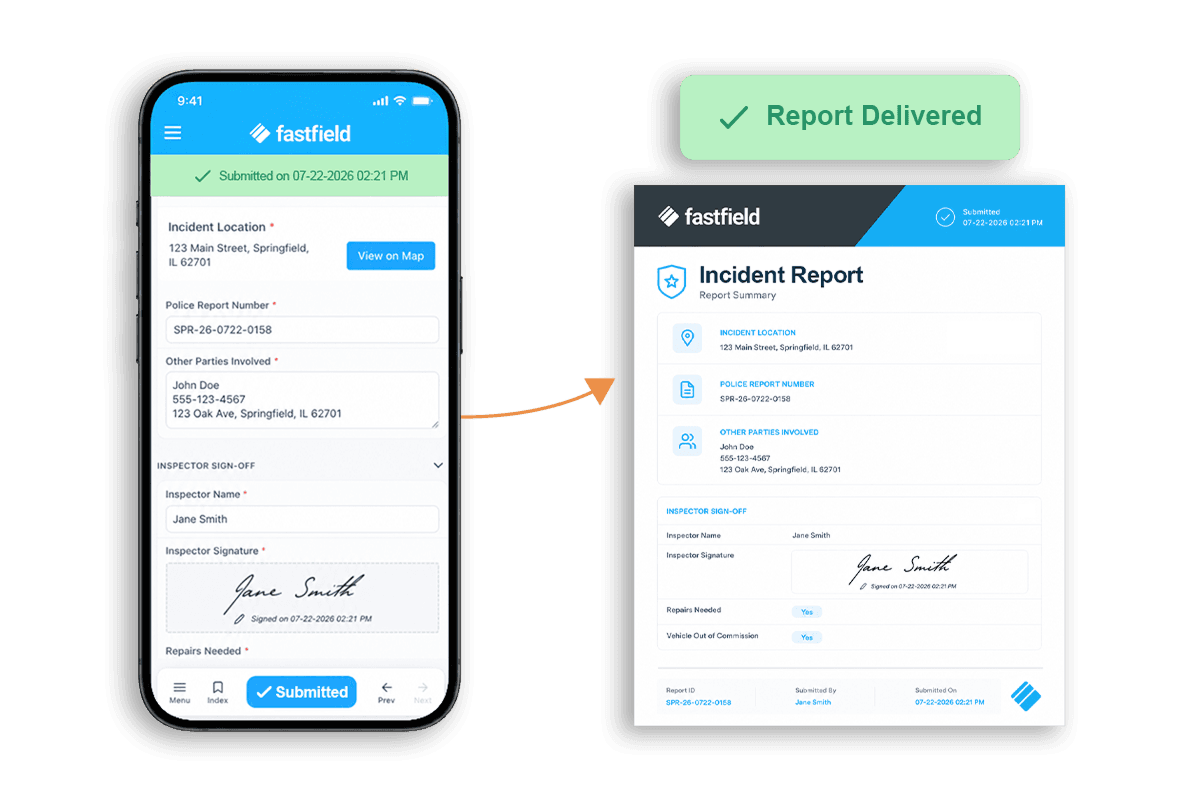
AI Form Builder: Describe the Form, and FastField Builds It
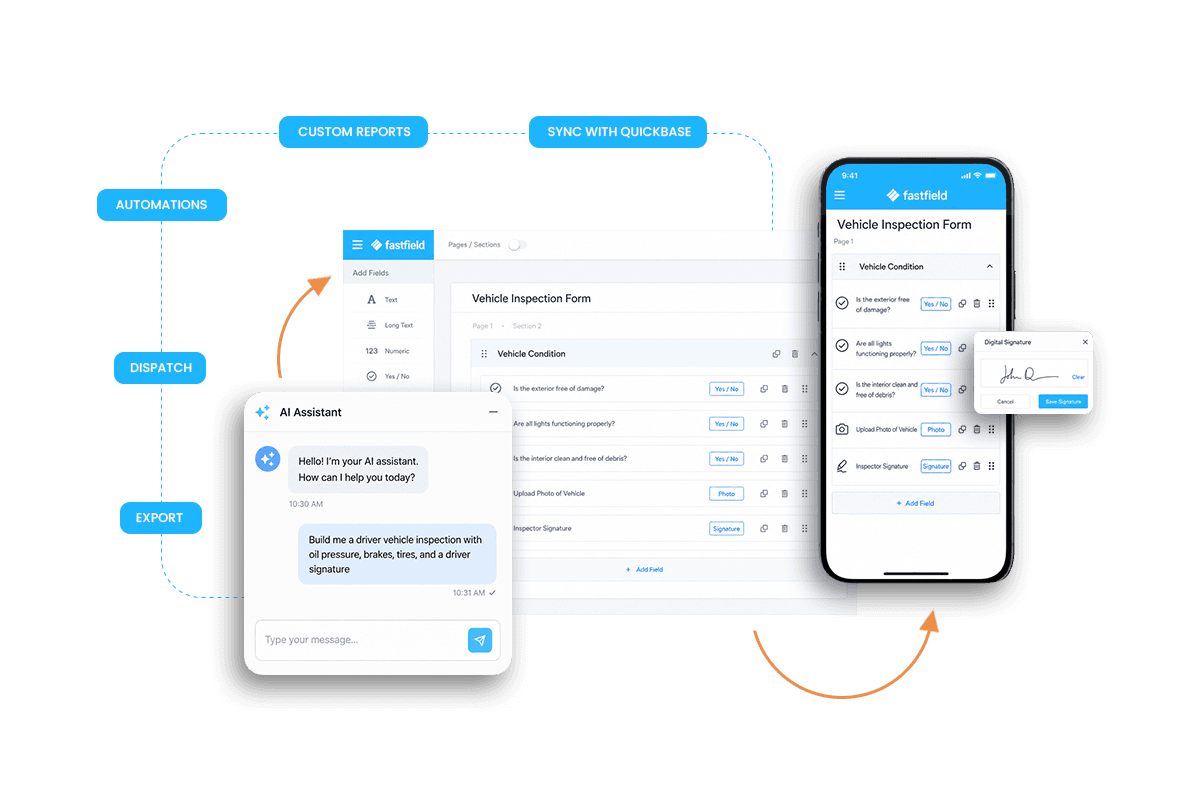
AI Form Builder is now available on every FastField plan. Describe the form you need in plain language, and FastField builds a complete, working mobile form in seconds, with the fields, sections, conditional rules, and calculations the job requires. You review it, adjust anything, and publish.
Why We Built It
The move to digital used to mean doing another job first. You dragged each field, named it, set the rules, fixed the logic, previewed, tested, and published. A single form took hours, so edits piled up, and old forms went stale. Paper had its own problems, but paper never asked you to learn paper.
Field teams don't want to build forms. They want to inspect the truck, document the repair, capture the signature, and move on. AI Form Builder starts from what a team already has: the job they know, the paper form on the clipboard, or the change they need to make.
Three Ways to Reach a Working Form
Start with a description. Describe what you need in plain language. Type it or say it out loud. FastField builds a working mobile form ready for review, complete with the fields, rules, and calculations the work depends on.
Start from paper or any other digital file. Take a photo of a paper form or upload the PDF or Excel file. FastField rebuilds it as a new mobile form and maps the fields. It gets you most of the way there in seconds, then you review and refine.
Start from a form you already have. If you are an existing user, open any of your forms in FastField and describe the change. The built-in assistant adds fields, rewrites logic, and restructures sections through conversation. No relearning the builder.

Built for the Field, Reviewed by a Person
The full builder, including edits via app, runs on a phone or tablet. Your team fixes the form where the problem shows up, not two days later at a desk.
You can also build a form yourself. Start from a blank form and use the full field library and toolbar, and switch between the AI assistant and manual editing at any time.
Every form still passes through a person. The AI only drafts and edits. Your team reviews the result, decides what to change, and approves it before anything goes live. The human stays accountable, the same as any form built by hand.
Your Existing Forms Stay Exactly as They Are
Nothing about the current setup change. Existing forms, data, syncs, and Quickbase connections all keep working. For the first several weeks after release, teams can keep using the legacy builder or move to AI Form Builder whenever they're ready. Teams move on their own timeline.
Start a Free Trial
Build your first form in minutes. Describe what you need, upload a paper form, or open a form you already have and ask for a change. See how fast your team reaches field data it can trust.

Written by:Hira Saeed