The Design Choices Behind FastField's AI Form Builder
A conversation with Jeff Stay, VP of Product, FastField
FastField just released AI Form Builder on all plans, a new way for field teams to get a working mobile form faster than ever before.
The decisions behind it are the more interesting part. FastField kept a human approval step in front of every publish, made the phone a place to build forms rather than only fill them out, and pointed the same capability at the forms customers already have in production.
We talked with Jeff Stay, VP of Product, about how the team got there.
What's the fastest way to explain what AI Form Builder does?
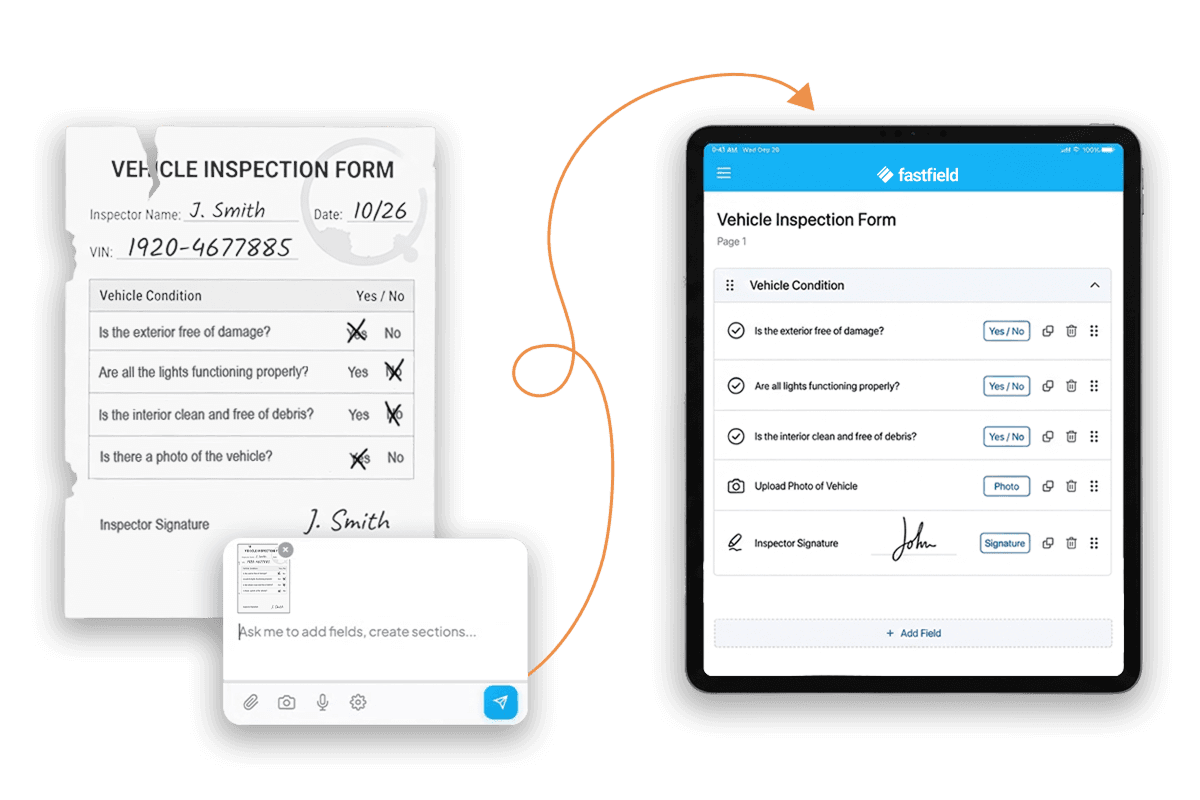
You describe what you need, and you get a working form. That's it. You can type something like "Create an inspection form for the construction industry," and you'll have a structured form with the right fields and sections in seconds. You can also upload a paper form you're already using, and it'll convert that into a digital form you can review and refine. No rebuilding from scratch. It all happens in one place.
Once you have that first draft of a form, what happens next?
That's the part I love. You get a fully scrollable form that you can keep refining, either by describing what you want to change or by jumping in and configuring things manually. All the power you've always had in FastField is still there. Every field setting, every option. You're not giving anything up. You're just getting to a working starting point way faster.
So say you need to add a PPE section with five checklist items. Just describe that, and it builds the section for you. It knows our field types. It's really easy to get your form set up and then fine-tune from there.
So your team still has full control over what gets published?
One hundred percent, and that's something we feel really strongly about. We didn't want to make the mistake of forcing everything through a chat interface. Some of our users are power users. They just want to crank through settings, check, check, check, done. This gives you the best blend of both worlds. Use the builder to get to a working draft fast, then review, edit, and decide what goes live. Nothing gets published until your team says it's ready.
What about customers who have policies that restrict the use of AI tools?
We've thought about that. You can turn the AI features off in your account settings, and you'll still get access to the premium form builder experience. Nobody is left behind on that front.
Let's talk about mobile. What changes there?
This is the thing I'm super excited about. Right now, about 40 to 50 percent of our trial traffic comes from people on their phones. And historically, those folks hit a brick wall.
That's gone now. You can download the app, start a trial, and build a form right on your phone. Describe what you need, and boom, you've got a working form on mobile. The rest of the portal is already responsive, so the whole experience is going to feel seamless.
Can it help with the more technical stuff, like calculations and conditional rules?
That's where I think people get hung up a little bit, right? The logic side of form building is more technical, and it's where a lot of time gets spent. We want you to be able to describe the rule you need in plain language. Something like "hide this section unless the user selects 'Yes' on question three." We're doing heavy performance testing right now to make sure the quality is high and the responses come back fast. I'm really optimistic about what this is going to deliver.
So what else can teams do in FastField once a form is published?
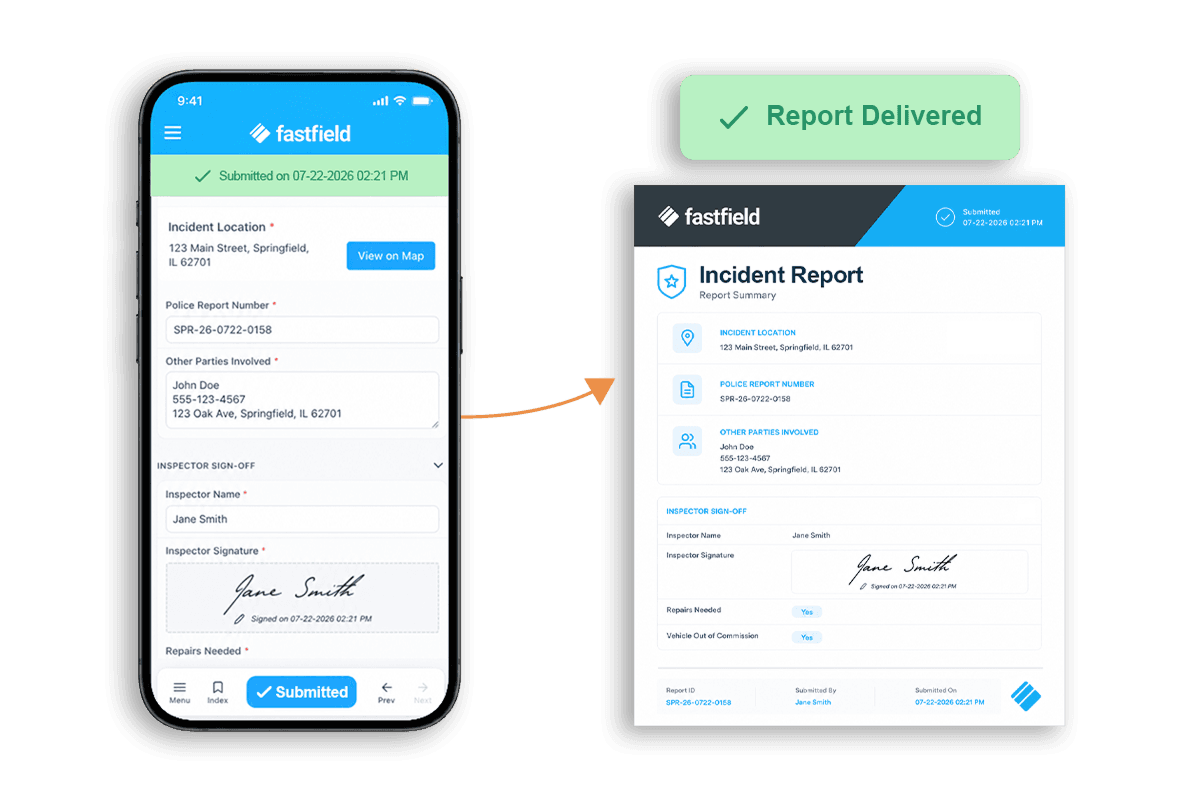
Everything lands in one place. A submission shows up in the portal the moment it's filed, with timestamp, GPS, photos, and signatures attached, and it generates a formatted PDF on its own. From there your team decides where it goes: route it automatically with AI Workflow, push it into a Quickbase app, or send it to Salesforce, Slack, a spreadsheet, or your own endpoint through the API. The AI builds form structure. It doesn't read your submission data, share it, or train on it.
Is this only for building new forms, or can it help with forms you already have?
It improves the experience across the board. If you're an existing customer, you can open a form you already have and describe what needs to change. Maybe you need help understanding how a calculation works, or you want to troubleshoot something. Maybe you've got a bunch of fields with a repetitive structure and you need to add photos and notes to all of them and connect them with a rule. Instead of doing that manually, field by field, you just describe it.
That's really the vision here. You shouldn't have to relearn the builder every time you need to make a change. Describe the change. Review the result.